


Adobe Illustrator
NexusAi Summary: Adobe Illustrator is an AI-powered vector design platform for creating logos, illustrations, icons, and scalable graphics with precision and generative tools.
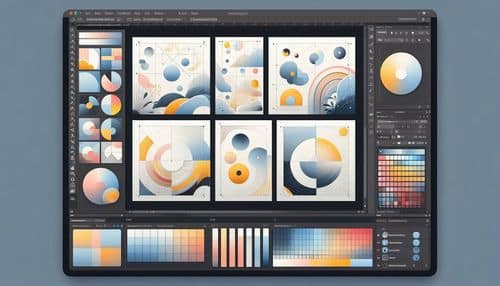
NexusAi Overview
Adobe Illustrator is the industry-standard tool for vector design, enabling creators to build graphics that remain sharp at any size. Users can draw shapes, create typography, design branding assets, and generate vector artwork using AI features. Its precision tools allow detailed control over paths, colors, gradients, and layouts, while AI tools accelerate ideation and design exploration, making it valuable for both creative professionals and business teams.
Core Features & Capabilities
Ideal for graphic designers, branding agencies, illustrators, marketing teams, ecommerce brands, and businesses that need high-quality scalable visuals for logos, packaging, social media, and print.
- design logos, icons, and branding assets using vector graphics
- generate vector artwork with ai-powered text-to-vector tools
- apply generative recolor to explore multiple color styles instantly
- create typography, illustrations, and detailed design compositions
- export scalable graphics for web, mobile, and print use
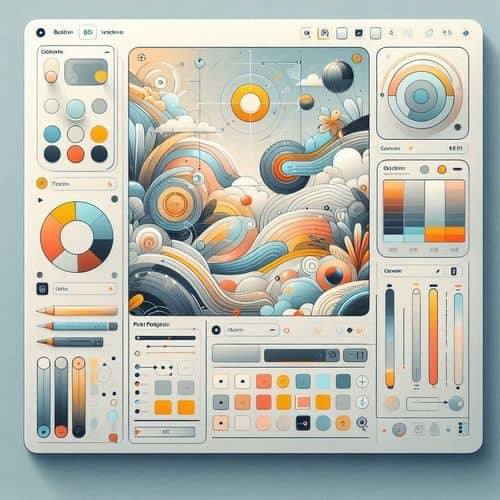
Trending Use Cases
Why Designers Choose Adobe Illustrator
Open Illustrator and create a new document or artboard. Use vector tools like the Pen tool, shapes, and typography features to build your design. Explore AI tools like Generative Recolor or text-to-vector to speed up ideation, then refine details with precision controls. Export your designs for web, mobile, or print depending on your use case.
NexusAi: “Illustrator combines precision vector control with AI-powered creativity, making it essential for modern design workflows.”
Getting Started with Adobe Illustrator
By combining vector precision with AI-powered generation and color exploration, Adobe Illustrator enables designers to create high-quality visuals faster while maintaining full creative control across digital and print projects.
Open the tool and review its core product experience.
Create your account or access your existing workspace.
Use your own task to judge speed, quality, and fit.
Check similar AI tools before making a final decision.
Adobe Illustrator
Adobe Illustrator is a professional vector design platform that combines precision drawing tools with AI-powered features for creating scalable graphics, logos, and illustrations.
Adobe Illustrator is a professional vector graphics design application used by designers, illustrators, marketers, and creative teams to create scalable artwork. It combines precise vector editing tools with AI-powered features like Generative Recolor, text-to-vector generation, and intelligent drawing assistance. Illustrator enables users to design logos, branding assets, icons, typography, illustrations, and complex graphics that scale perfectly across digital and print formats. With seamless integration into Adobe Creative Cloud, it supports end-to-end creative workflows.
Visit Adobe Illustrator
Comments (0)
No Comments Found