


AppAlchemy
NexusAi Summary: AppAlchemy is an AI app design platform that helps users generate mobile app UI concepts, iterate visually, and export polished interface designs in seconds.

NexusAi Overview
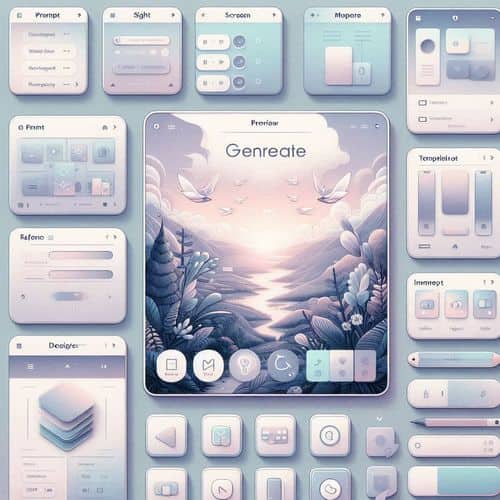
AppAlchemy helps users move from app idea to visual design in a fast, interactive workflow. Instead of manually creating every screen, users can describe the product they want, generate interface concepts with AI, and continue refining layouts through a conversational editor. This makes it especially useful for startup founders, product teams, and creators who want to validate ideas, build pitch-ready visuals, or prototype app experiences without a full design team.
Core Features & Capabilities
Ideal for startup founders, indie makers, product designers, agencies, and non-technical entrepreneurs who want to create app UI concepts quickly, refine ideas visually, and accelerate product design without complex traditional workflows.
- generate app ui designs from simple text prompts
- create designs from screenshots and visual references
- clone and adapt designs from templates
- refine generated screens with a chat-based editor
- export polished concepts for product validation or development handoff
Trending Use Cases
Why Builders Choose AppAlchemy
Start by describing the app you want to design, or upload screenshots and choose a template-based workflow. Let AppAlchemy generate the first version, then refine screens through its chat editor and preview updates in real time. Once the concept is ready, export the design and use it for pitch decks, prototypes, or downstream product design work.
NexusAi: “AppAlchemy helps turn rough app ideas into polished visual concepts fast enough for testing, pitching, and iteration.”
Getting Started with AppAlchemy
By combining prompt-based generation, visual references, and conversational editing in one workflow, AppAlchemy helps users explore app ideas faster and move from concept to polished UI without the overhead of traditional design processes.
Open the tool and review its core product experience.
Create your account or access your existing workspace.
Use your own task to judge speed, quality, and fit.
Check similar AI tools before making a final decision.

AppAlchemy
AppAlchemy is an AI app design platform that helps founders, creators, and teams generate, refine, and export mobile app UI concepts from prompts and visual references.
AppAlchemy is an AI-powered design tool focused on turning app ideas into user interface concepts quickly. Users can describe an app, generate UI screens with AI, refine the output through a chat-based editor, and export designs for further development or product validation. It is designed for founders, designers, makers, and non-technical entrepreneurs who want to visualize app ideas, test concepts, and build MVP-ready designs without starting from a blank canvas.
Visit AppAlchemy
Comments (0)
No Comments Found