


Canva
NexusAi Summary: Canva AI is an AI assistant inside Canva that helps users generate designs, write content, and create visuals faster.
NexusAi Overview
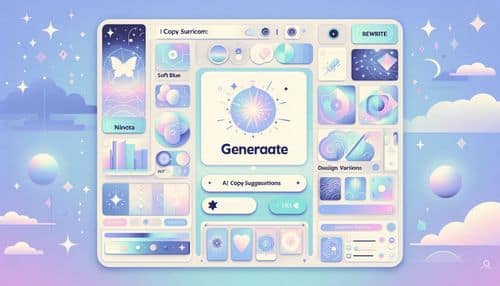
Canva AI helps you move faster across the full content lifecycle—from brainstorming and drafting to designing and polishing. You can generate copy for ads and social posts, create visual concepts, refine layouts, and produce new variations without starting from scratch. It’s designed for speed and accessibility, making AI-powered creative production practical for marketers, creators, and teams working on tight timelines.
Core Features & Capabilities
Ideal for creators, marketers, small businesses, educators, and teams producing high-volume content who want faster ideation, quicker drafts, and polished design results without complex tools or steep learning curves.
- ai writing, rewriting, and tone adjustment for marketing content
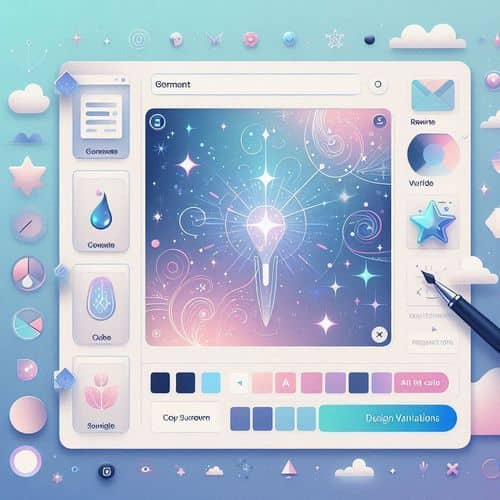
- generate design variations to speed up creative iteration
- text-to-image generation for fast visual concepts
- smart visual editing to polish assets quickly
- guided prompts and quick actions for faster production
Trending Use Cases
Why Creators Choose Canva AI
Open Canva and access the AI assistant from your workflow. Start with a clear prompt (goal, audience, tone, and format), generate a few options, then refine by regenerating, rewriting, or adjusting style. Use design variations to explore alternatives quickly, and export assets in the right sizes for each channel.
NexusAi: “Canva AI helps us go from idea to publish-ready content faster, with less repetitive work and more consistent results.”
Getting Started with Canva AI
By combining AI writing, visual generation, and rapid design iteration in a single workflow, Canva AI helps creators and teams produce more content with higher consistency—without adding extra tools or complexity.
Open the tool and review its core product experience.
Create your account or access your existing workspace.
Use your own task to judge speed, quality, and fit.
Check similar AI tools before making a final decision.
Canva
Canva is a design and content creation platform that helps individuals and teams create presentations, social content, documents, and marketing assets, now enhanced with AI-assisted workflows for faster creation.
Canva AI brings AI assistance directly into Canva’s creative workflow, helping users go from idea to finished asset with less manual effort. It supports tasks like generating and rewriting copy, creating design variations, producing images from text, editing visuals, and speeding up common design actions across presentations, social posts, documents, and marketing materials. With guided prompts and a creator-friendly interface, Canva AI helps teams and individuals create on-brand content faster while maintaining consistency across templates and formats.
Visit Canva
Comments (0)
No Comments Found