


DeeVid AI
DeeVid AI is a web-based generator that turns text, images, or existing clips into polished videos in roughly a minute. It unifies multiple state-of-the-art models, curated templates, and safety filters to deliver commercially usable results with minimal setup.
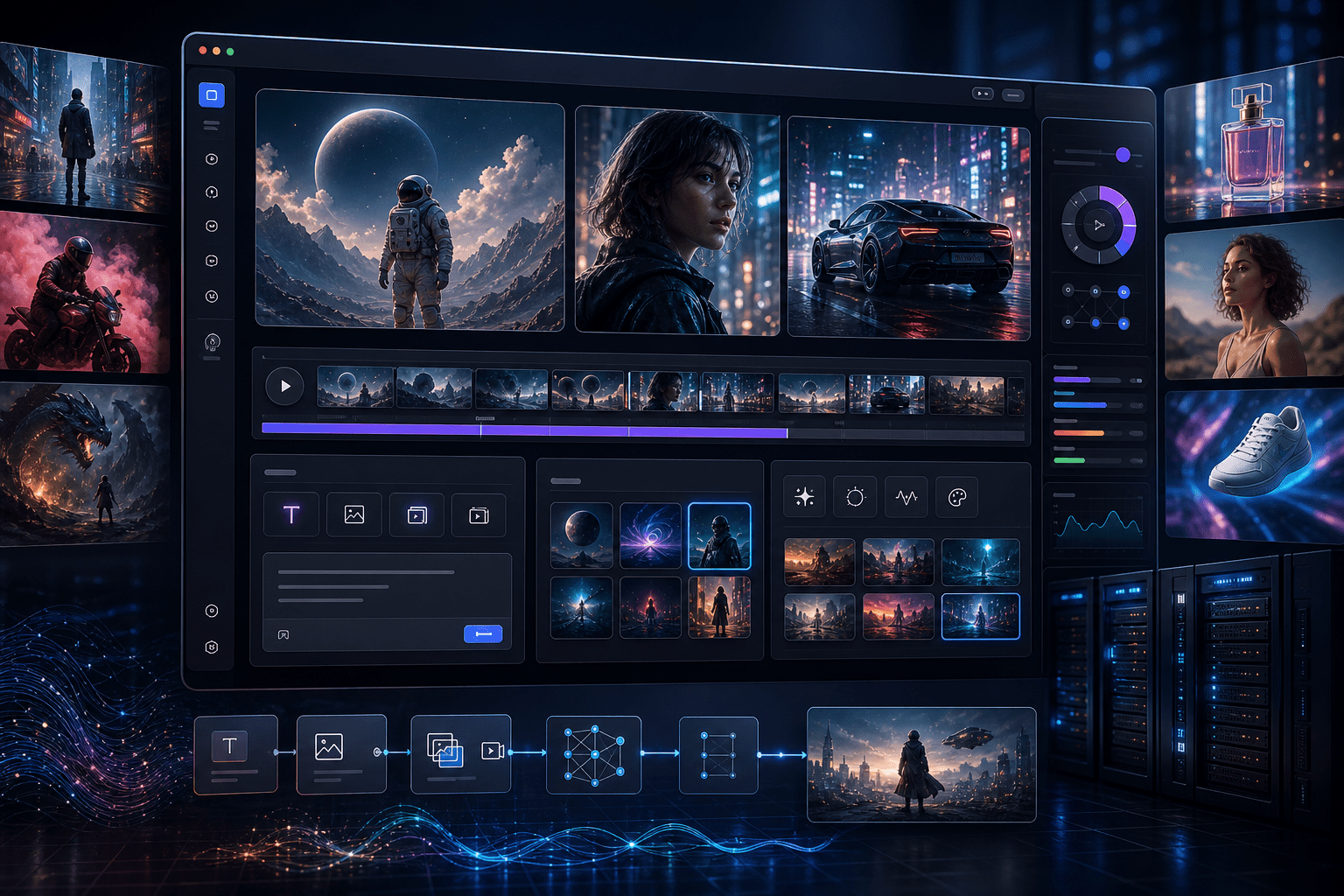
Overview
Pick an input (text, image, or video), choose a model and a style template, then generate a preview. Iterate by refining prompts or switching models until the look matches your target, and export for publishing.
Capabilities and model options
DeeVid AI fits creators, social teams, performance marketers, educators, product marketers, and agencies that need frequent, on-brand video at short turnaround. It’s also useful for previsualization and concept pitching when storyboards or static assets must quickly become motion. Indie filmmakers and content studios can explore looks across multiple generative backends without maintaining separate accounts or workflows, while small teams benefit from ready-made templates that reduce manual editing.
- Generate cinematic videos directly from text prompts, with coherent motion, framing, and pacing, suitable for teasers, explainers, and social posts without manual editing or compositing.
- Animate single images or short sequences into lively clips, adding camera movement, transitions, and effects that enhance subject focus while preserving visual identity and brand aesthetics.
- Restyle existing videos by changing mood, genre, or visual treatment, applying AI effects to achieve consistent looks across campaigns while retaining core timing and narrative structure.
- Switch across multiple cutting-edge backends, including Veo, Kling, Sora, Runway, and Stable Diffusion–class models, to quickly find the best aesthetic and motion behavior for each project.
- Enforce safe content defaults and privacy-first processing, with age-appropriate generation, commercial-use rights, and one-click downloading or sharing to speed review cycles and publishing workflows.
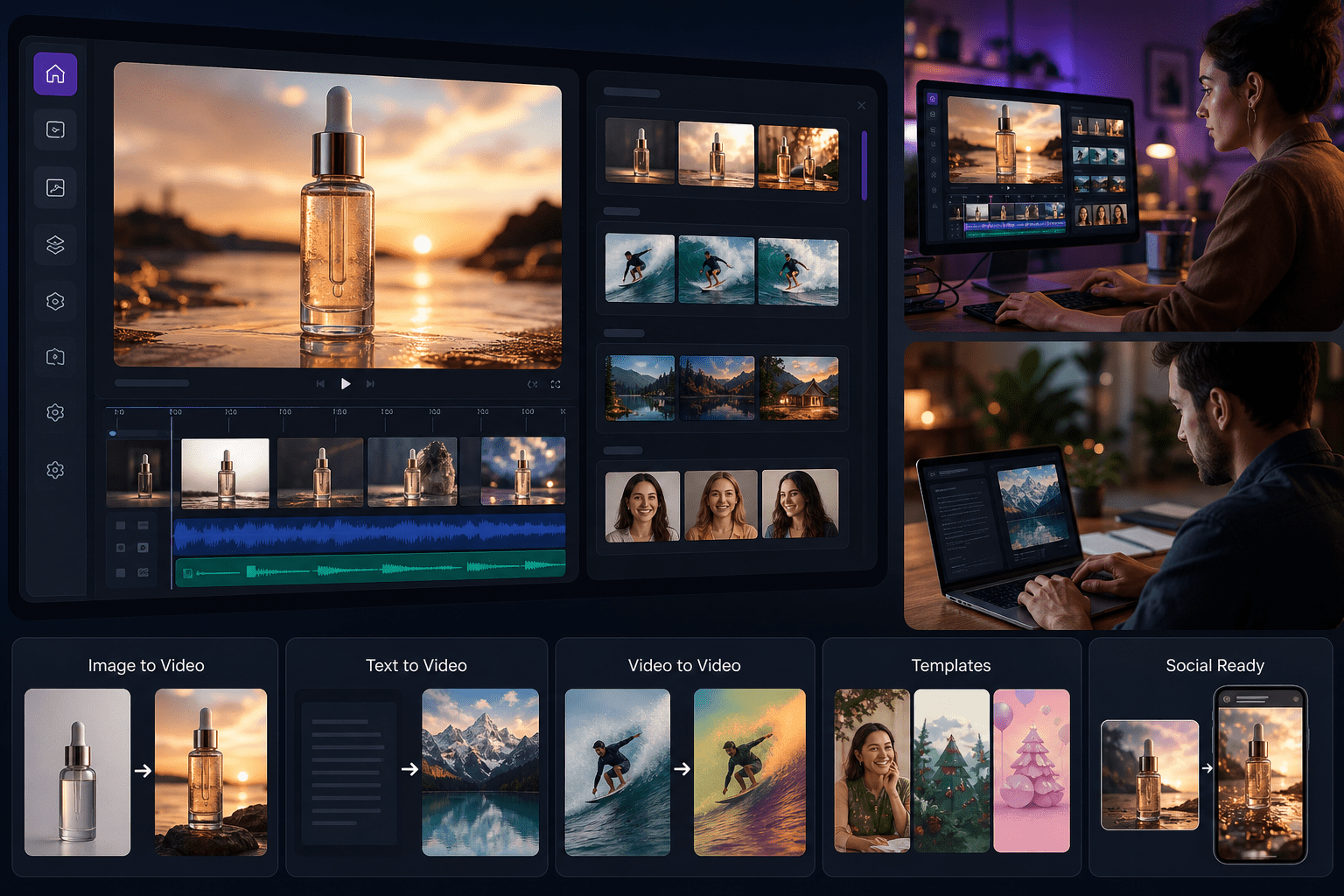
Popular ways teams use DeeVid AI
Who should use it
Sign up for a free account, then choose an input type—text, image, or video. Select a model and a style template, add your prompt or media, and generate a preview. Iterate by refining the prompt, switching models, or trying alternative templates until the result matches your target. When ready, finalize and download or share the video directly from the browser. Content filters run automatically to block unsafe requests, and media is processed securely to protect your rights. No complex installation or editing software is required.
One workspace to turn prompts and assets into brand-safe videos—fast, consistent, and ready to publish.
Getting started
DeeVid AI stands out as a fast, pragmatic path from prompt to publishable video. Its multi-model switching improves creative hit rates, while curated templates reduce setup time. Strong safety defaults and privacy-first processing support commercial use. For teams producing frequent social content, ads, or explainers, DeeVid consolidates experimentation, iteration, and delivery in a single browser workspace.
Open the tool and review its core product experience.
Create your account or access your existing workspace.
Use your own task to judge speed, quality, and fit.
Check similar AI tools before making a final decision.
DeeVid AI
DeeVid AI builds creator-centric media tools focused on accessible, safe video generation. The team aggregates frontier image and video models behind a streamlined UI, emphasizing reliability, speed, and brand suitability for marketing, social, and education workloads.
DeeVid AI is an end-to-end, browser-native video generator that converts text prompts, still images, or source footage into finished videos. The platform brings multiple frontier image and video models (including Veo, Kling, Sora, Runway, and Stable Diffusion–class systems) into a single interface, adding template-driven styles and effects to achieve consistent looks without manual keyframing. Users select an input type, choose a model and style, then preview and iterate until satisfied. Outputs are created quickly—often in about a minute—making it suitable for social, ads, explainers, and concept visualization. DeeVid emphasizes safety and privacy: content policies prevent disallowed outputs, and media is processed securely to protect intellectual property. For teams, the ability to switch models in one place reduces tool-hopping while improving the hit rate on creative direction.
deevid.ai/
Comments (0)
No Comments Found