


Docker
NexusAi Summary: Docker is a container application development platform that helps teams build, share, run, and secure software using containers and developer workflow tools.
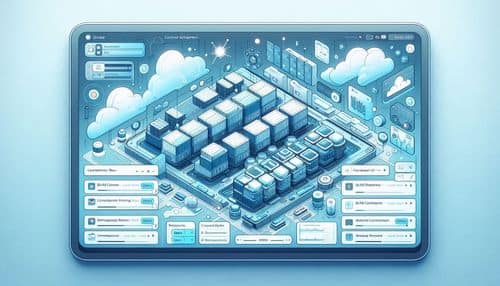
NexusAi Overview
Docker helps developers standardize how applications are packaged and run, making it easier to collaborate across machines, teams, and deployment environments. Instead of dealing with inconsistent dependencies or setup issues, teams can use containers to create predictable workflows from local development through production. Docker also supports collaboration through image sharing, multi-container orchestration, faster builds, and cloud-integrated tooling that fits into modern DevOps pipelines.
Core Features & Capabilities
Ideal for developers, DevOps teams, platform engineers, startups, and engineering organizations that need consistent environments, faster local setup, reusable build workflows, and streamlined container delivery across teams.
- build and run containerized applications across local and cloud environments
- share and manage images through docker hub and team workflows
- define multi-container applications with docker compose
- accelerate image builds with build cloud and shared cache workflows
- standardize development and deployment with repeatable container workflows
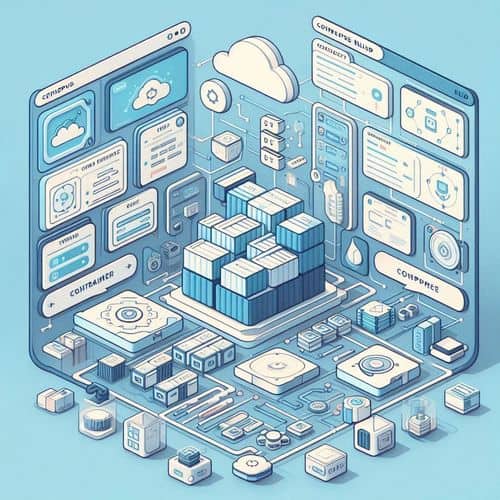
Trending Use Cases
Why Teams Choose Docker
Install Docker Desktop, create or pull a container image, and start running applications locally with consistent environments. Use Docker Hub to share images, Compose to define multi-service applications, and Build Cloud or CI workflows to accelerate builds. As projects grow, standardize development and deployment processes around reusable container workflows.
NexusAi: “Docker gives development teams a consistent way to build, share, and run software without losing time to environment drift and setup problems.”
Getting Started with Docker
By combining local development, image sharing, multi-container orchestration, and faster build workflows in one ecosystem, Docker helps teams reduce setup friction, improve consistency, and deliver software more efficiently.
Open the tool and review its core product experience.
Create your account or access your existing workspace.
Use your own task to judge speed, quality, and fit.
Check similar AI tools before making a final decision.
Docker
Docker is a container development platform that helps developers build, share, run, and secure applications with tools for local development, image distribution, multi-container orchestration, and faster builds.
Docker is a platform for developing, shipping, and running containerized applications across local, cloud, and team environments. It gives developers a consistent way to package software and dependencies, then build, test, share, and deploy applications with fewer environment issues. With products like Docker Desktop, Docker Hub, Build Cloud, and Docker Compose, Docker supports modern workflows for development, collaboration, CI/CD, and secure software delivery.
Visit Docker
Comments (0)
No Comments Found