


Gemini Omni
NexusAi Summary: Gemini Omni is Google’s multimodal AI video generation and editing model that helps users create, remix, and edit videos through natural conversation.
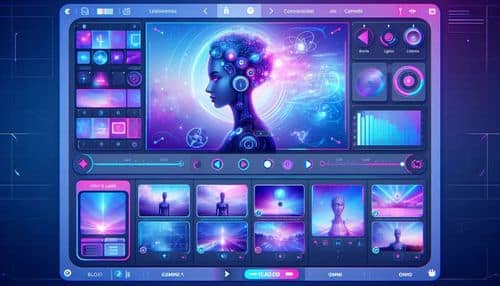
NexusAi Overview
Gemini Omni helps users create videos from text, images, and video inputs, while also supporting conversational edits such as background changes, lighting fixes, style transfer, character swaps, stabilization, and AI avatar generation.
Core Features & Capabilities
Ideal for content creators, social media marketers, video editors, educators, founders, agencies, influencers, ecommerce brands, YouTubers, and creative teams that need faster video ideation, editing, and short-form content production.
- Create videos from text prompts, image references, video clips, or mixed media inputs
- Edit videos by telling Gemini what to change using natural conversation
- Swap backgrounds, adjust lighting, change wardrobe, stabilize footage, and transfer styles
- Turn photos into short video clips using up to five image references
- Use AI avatars to create video content that can look and sound like the user
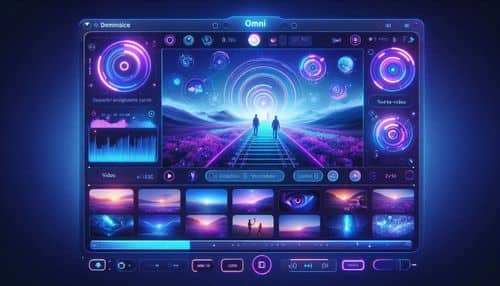
Trending Use Cases
Why Creators Choose Gemini Omni
Visit the official Gemini Omni page, open Gemini, and check whether video generation is available on your eligible Google AI subscription plan. Start by describing the video you want, upload text, photo, or video references, choose a template or style if needed, then refine the result through conversational editing prompts such as changing the background, adjusting lighting, stabilizing the scene, modifying characters, or improving the final clip.
NexusAi: “Gemini Omni turns video generation and editing into a natural conversation, helping creators move from concept to clip faster.”
Getting Started with Gemini Omni
By combining multimodal video generation, conversational editing, image-to-video workflows, video-to-video editing, AI avatars, templates, styles, and native audio generation, Gemini Omni gives creators a more intuitive way to turn ideas and existing media into polished video content.
Open the tool and review its core product experience.
Create your account or access your existing workspace.
Use your own task to judge speed, quality, and fit.
Check similar AI tools before making a final decision.

Gemini Omni
Google is the creator of Gemini Omni, a multimodal AI video generation and editing model for conversational video creation, image-to-video generation, video-to-video editing, templates, styles, and AI avatars.
Gemini Omni is an AI video generation and editing model from Google built to make video creation as easy as having a conversation. Users can start from text, images, video clips, gallery content, or premade templates, then guide the creative process through natural language. Gemini Omni supports multimodal creation, image-to-video generation, video-to-video editing, background swaps, wardrobe changes, style transfer, lighting adjustments, video stabilization, character edits, and AI avatar-based content creation. It is designed for creators, marketers, educators, social media teams, storytellers, and everyday users who want to turn ideas, photos, and clips into polished short-form video content.
Visit Gemini Omni
Comments (0)
No Comments Found