


Kino
NexusAi Summary: Kino is a team-focused AI video editor that stores raw footage, transcribes every clip, and runs agent-driven workflows to produce editable first passes, motion-graphics variants, and review-ready renders for collaborative production.
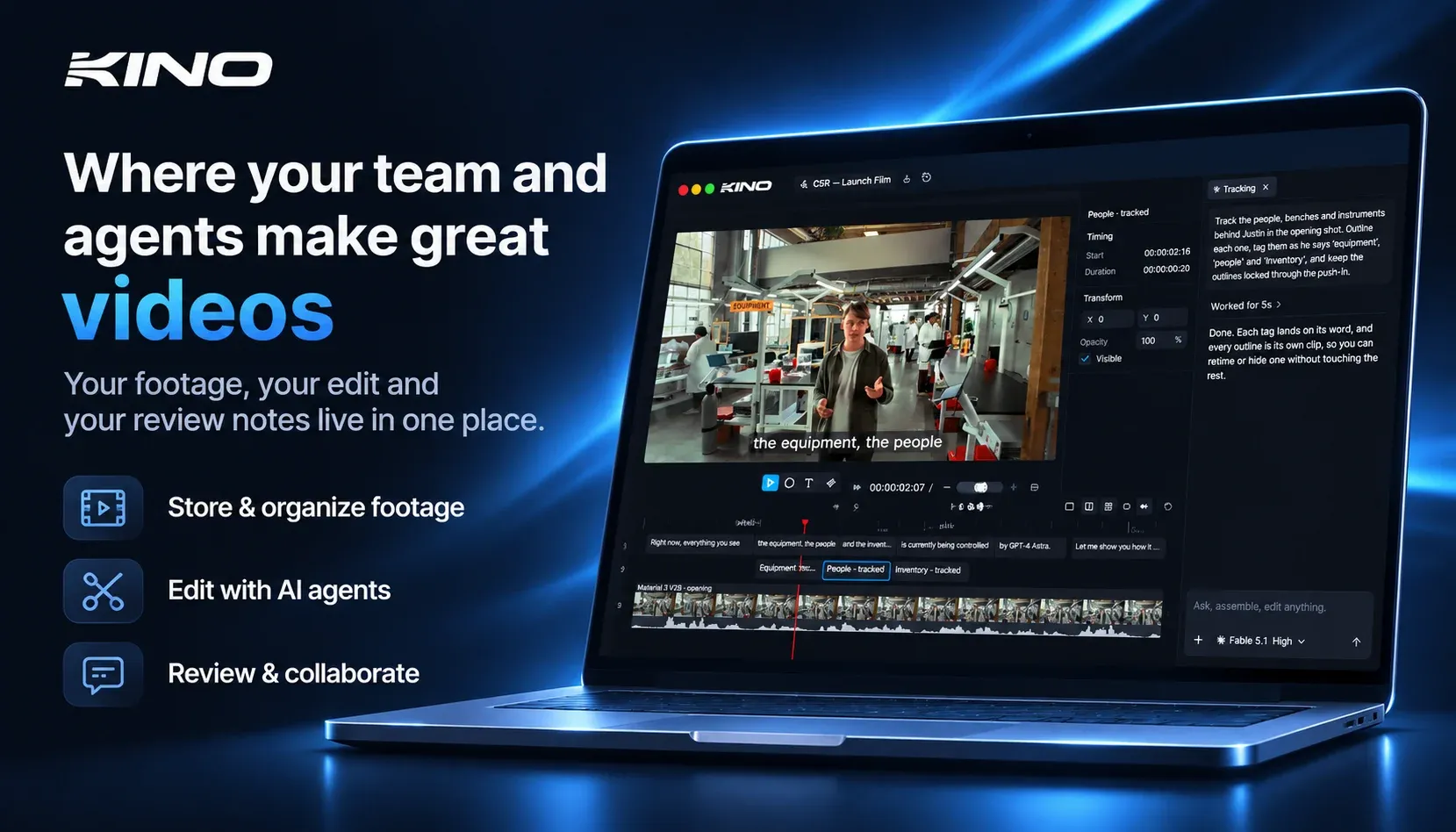
NexusAi Overview
Workflows begin with media ingest and automatic transcription; Kino creates searchable metadata and smart bins so teams can find shots by dialogue, person, or technical attributes. Agents operate on the same timeline interface editors use, producing editable cuts and leaving source clips intact for subsequent human refinement.
Capabilities
Kino targets video teams, post-production shops, and content operations that need faster iteration and centralised asset control. Producers and editors use it to scale short-form and campaign work; technical leads leverage native codec support to avoid transcode overhead. Agencies benefit from versioned variant generation and shared review links, while creators use agent automation to reduce routine assembly work and accelerate time-to-publish.
- Stores raw camera originals and streams them between machines without offline media.
- Transcribes and describes every clip for frame-accurate search and smart bin automation.
- Agent-driven first passes create editable cuts and leave every clip on timeline.
- Built-in motion graphics and animation tools let agents produce branded variants quickly.
- Shareable review links pin comments to the timeline and support browser review.
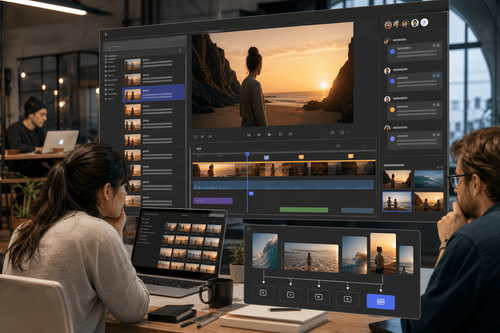
Key Capabilities
Customer quote
Install the desktop client for macOS, Windows, or Ubuntu to connect local footage to Kino’s streaming pipeline. Projects open identically on any connected machine; ingest creates transcripts and metadata automatically. Documentation and templates help you script agent prompts and configure smart bins. For teams, configure user access, set storage locations, and adopt review link workflows; agents run in the background and expose editable results directly on the timeline.
NexusAi: It’s phenomenal — this is the most fun I’ve had editing video.
Getting started
Kino reduces assembly and review friction by combining native-media playback with agent automation and precise metadata. Its main differentiators are native codec streaming, timeline-attached review comments, and multi-agent editing that produces editable results rather than opaque renders.
Open the tool and review its core product experience.
Create your account or access your existing workspace.
Use your own task to judge speed, quality, and fit.
Check similar AI tools before making a final decision.

Kino
Kino is built by a team focused on editor-quality media workflows paired with agent automation. The company emphasises native codec fidelity, fast iteration, and review-driven collaboration to reduce manual editing time for teams and creators.
Kino combines an editor-grade media pipeline with agent orchestration to accelerate team video production. Footage streams from local stores without destructive transcodes, and every clip is transcribed and shot-described for precise search. Agents perform first-pass cuts, apply motion graphics, and produce variant outputs while leaving each source clip editable on the timeline. Review links attach comments to exact timecodes, and the system integrates templates, smart bins, and automated asset search. Under the hood Kino leverages high-fidelity codec playback and an agent runtime tuned for fast iterative edits, reducing manual assembly time and centralising collaboration for small teams and production houses.
Visit Kino
Comments (0)
No Comments Found