


Kiro
NexusAi Summary: Kiro is an agentic development suite that turns prompts into executable specs, runs parallel agents across repositories, and validates correctness with property-based tests for production-ready code.
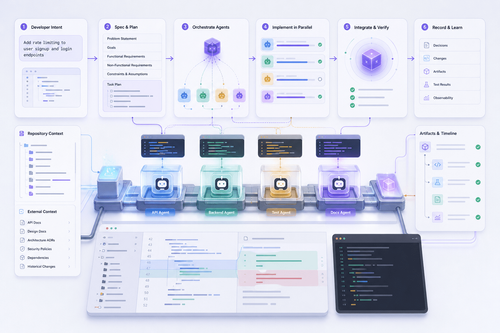
NexusAi Overview
Kiro’s workflow begins by transforming a developer’s intent into a formal spec and task plan. Agents then implement changes concurrently, using repository context and external artifacts to keep work coherent across files and sessions. The system continuously records decisions and artifacts, making outcomes auditable and reproducible.
Capabilities and technical approach
Kiro is aimed at engineers who need reliable, production-quality automation: backend and cloud engineers, platform teams, and technical leads responsible for large codebases and repetitive workflows. It helps teams accelerate feature work while maintaining architectural intent, reduces costly regression bugs, and serves researchers or technical buyers evaluating agentic tools for engineering productivity.
- Converts prompts into executable specs, designs, and sequenced tasks automatically.
- Runs parallel agents that implement work across large repositories and files.
- Generates property-based tests to uncover edge cases unit tests miss.
- Selects model tiers per task, balancing cost, latency, and quality.
- Operates locally or in the cloud with CI/CD and governance support.
Why engineers choose Kiro
Representative testimonial
Install Kiro Crew for a persistent local workspace or use the CLI to run headless sessions in CI; installers and docs live on the product site. Sign in with GitHub, Google, or AWS identity providers, connect a repository, then author a spec to let agents plan and implement changes. Refer to the docs for model selection, sandbox usage, and integrating steering files into existing workflows.
NexusAi: Kiro gives structure to messy prompts and ships maintainable code faster; it catches issues unit tests never saw.
Getting started
Kiro stands out by combining formal specs, parallel agent execution, and property-based verification in a developer-first workflow. It is practical for teams that need reproducible, auditable automation across large codebases and want to reduce debugging time while keeping operational controls.
Open the tool and review its core product experience.
Create your account or access your existing workspace.
Use your own task to judge speed, quality, and fit.
Check similar AI tools before making a final decision.

Kiro
Kiro, Inc. builds agentic developer tooling focused on spec-driven engineering. The team combines developer tool expertise with scalable model orchestration, cloud operations, and enterprise-grade security.
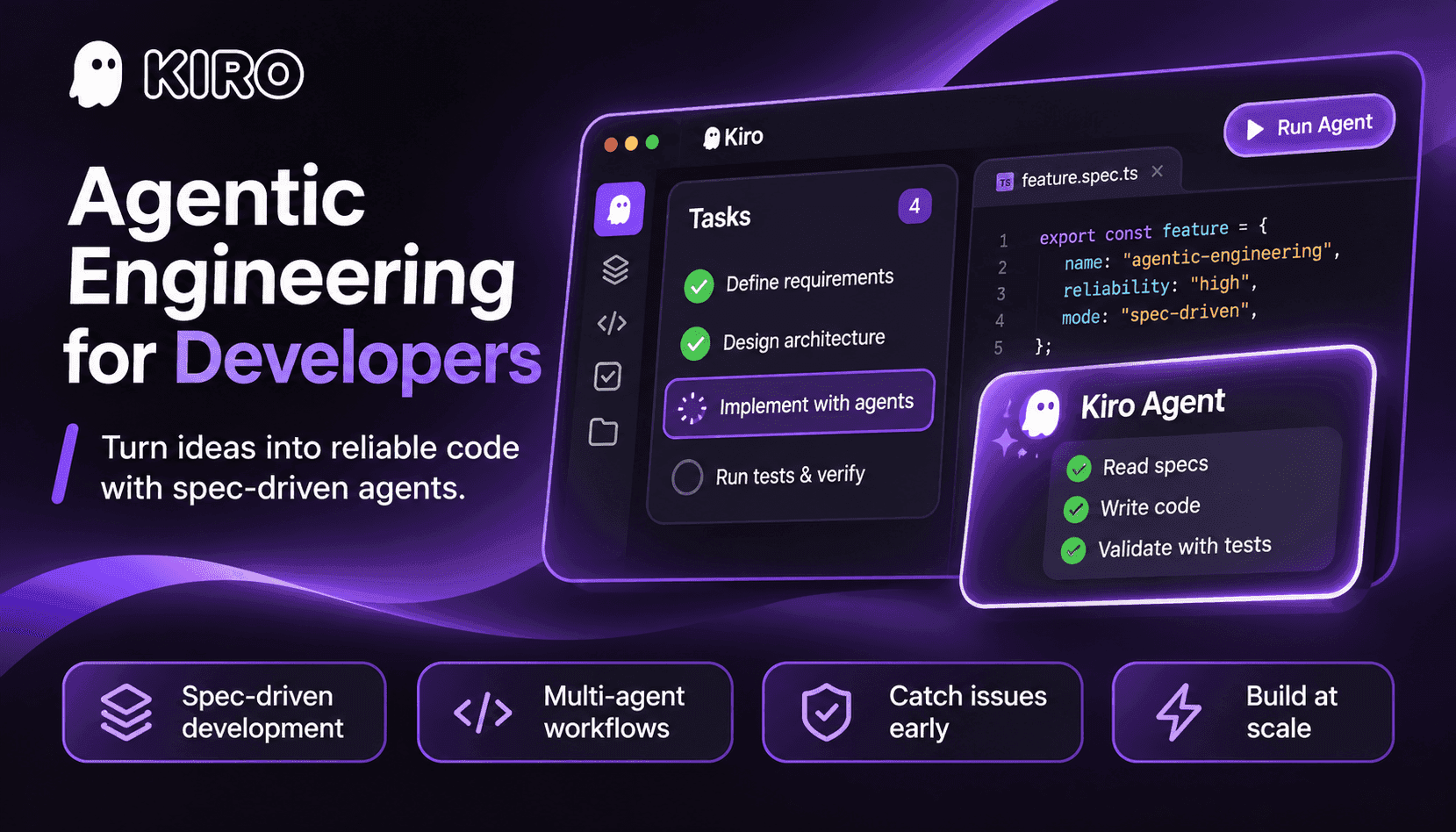
Kiro combines a spec-driven development model with parallel agent execution across IDE, CLI, web, and Crew workspaces. It converts high-level prompts into structured requirements, design artifacts, and sequenced tasks, then implements them with multi-agent orchestration. Built to integrate with Git workflows, cloud sandboxes, and common developer tools, Kiro emphasizes correctness by generating property-based tests and automated spec-checks that find gaps unit tests often miss. The platform selects models per task (Auto or explicit model tiers), supports long-context sessions for complex multi-file work, and provides enterprise features like IAM, SSO, usage dashboards, and governance controls.
Visit Kiro
Comments (0)
No Comments Found