


lumo AI
NexusAi Summary: Privacy-first conversational assistant that keeps chats confidential for teams and professionals, enabling context-aware responses while minimising external data exposure through configurable session controls and storage policies and straightforward team onboarding for production workflows.
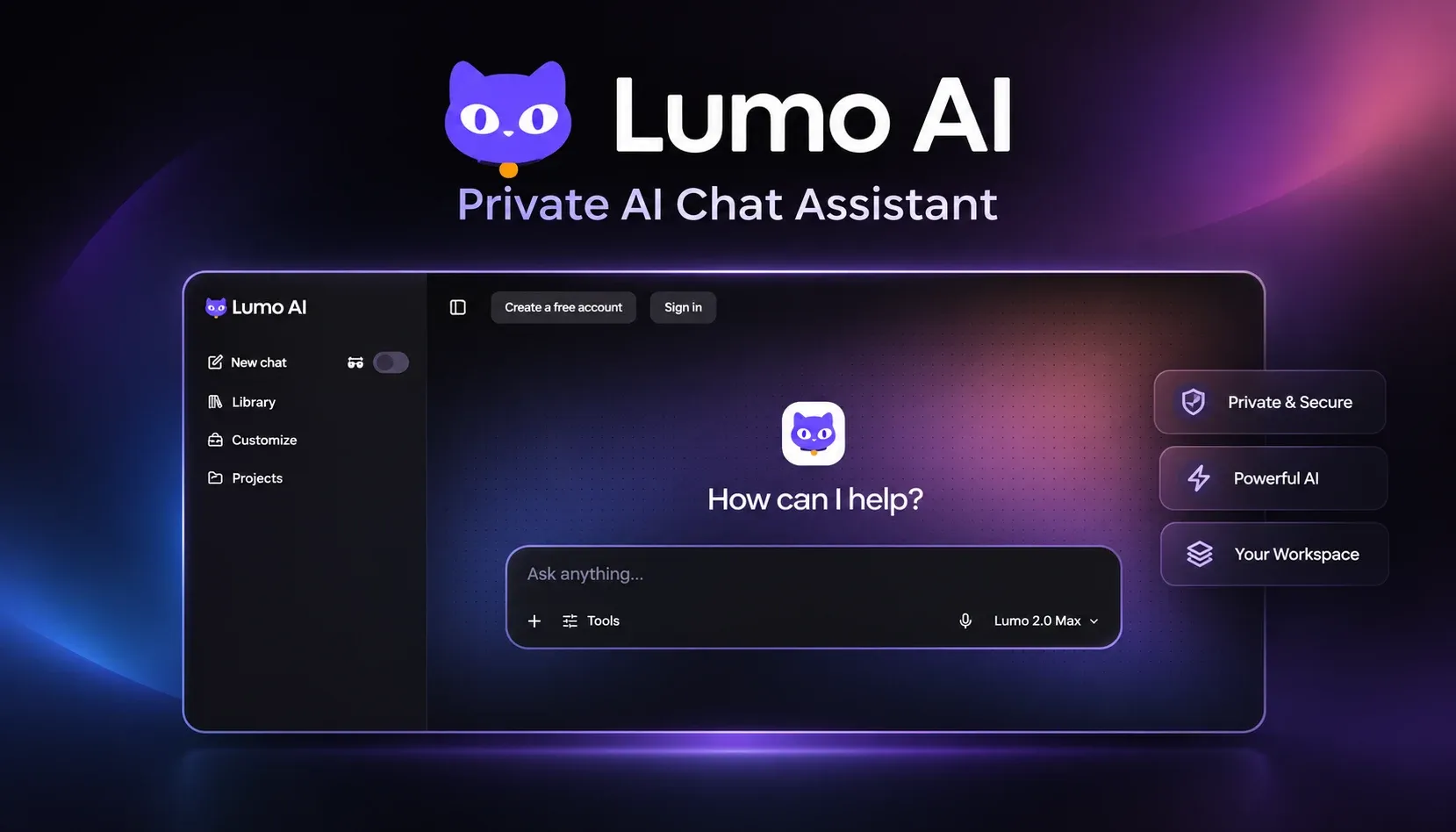
NexusAi Overview
In regular use, teammates open a scoped workspace, start a chat, and attach context or references as needed. Lumo returns concise, context-aware responses and preserves an auditable thread that administrators can search and manage under the organisation's retention policies.
Capabilities
Lumo is aimed at engineers, technical buyers, researchers, founders, and operators who need AI assistance without sacrificing confidentiality. Typical scenarios include code review conversations, post-incident analysis, procurement decision threads, and private product research, where teams must keep source material and discussion context guarded from broad external access.
- Scoped workspaces that keep discussion context isolated and auditable.
- Configurable retention and session controls to minimise long-term exposure.
- Context-aware answers that synthesise recent conversation threads efficiently.
- Searchable conversation history scoped to team access and permissions.
- Guest access mode for short-term collaboration without persistent data sharing.

Practical advantages
Who it's for
Begin with the web client via the Visit Website link and create a workspace for your team. Use the in‑app onboarding to configure retention policies, session behaviour, and access controls. For short collaborations, enable guest sessions; for ongoing work, invite teammates and apply workspace-level governance to maintain privacy by default.
NexusAi: Privacy as a default lets teams use AI productively without widening their data exposure.
Getting started
Lumo's strongest differentiator is making privacy operational rather than optional: teams get AI assistance while retaining clear control over conversational data, retention, and visibility. That balance keeps sensitive workflows productive without broadening data exposure to external services.
Open the tool and review its core product experience.
Create your account or access your existing workspace.
Use your own task to judge speed, quality, and fit.
Check similar AI tools before making a final decision.

lumo AI
Lumo is a focused startup building privacy-conscious conversational assistants for professionals. The team emphasises practical NLP, user-level privacy controls, and admin tooling to help organisations adopt AI in sensitive workflows without increasing third-party data exposure.
Lumo is a privacy-first conversational assistant built for teams and professionals who must balance AI productivity with data confidentiality. It provides context-aware answers from conversation history and scoped workspaces while reducing exposure to third-party model logging. The design emphasises configurable retention, session controls, and workspace-level visibility so organisations can use AI without broad data leakage. Lumo surfaces concise summaries, context stitching, and search over scoped discussion threads; it integrates with team workflows through a web client and workspace administrative controls. The result is a pragmatic assistant that supports sensitive decision-making, incident reviews, and technical discussions while making privacy controls obvious and easy to apply.
Visit lumo AI
Comments (0)
No Comments Found