


Pieces
Pieces is an AI-powered productivity companion that captures, organizes, and understands your workflow context—across browsers, IDEs, and apps—while keeping data secure and offline.
Overview
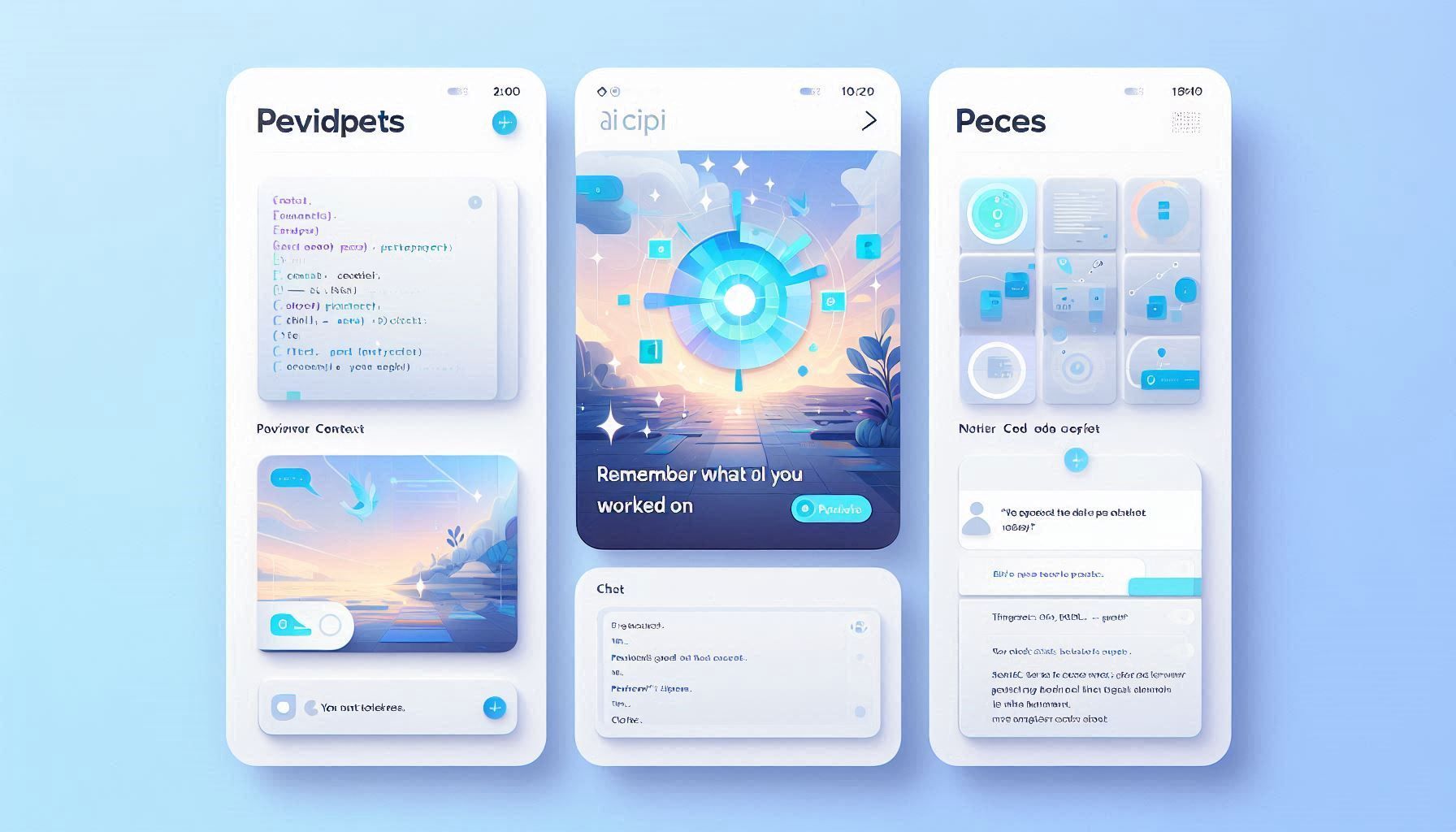
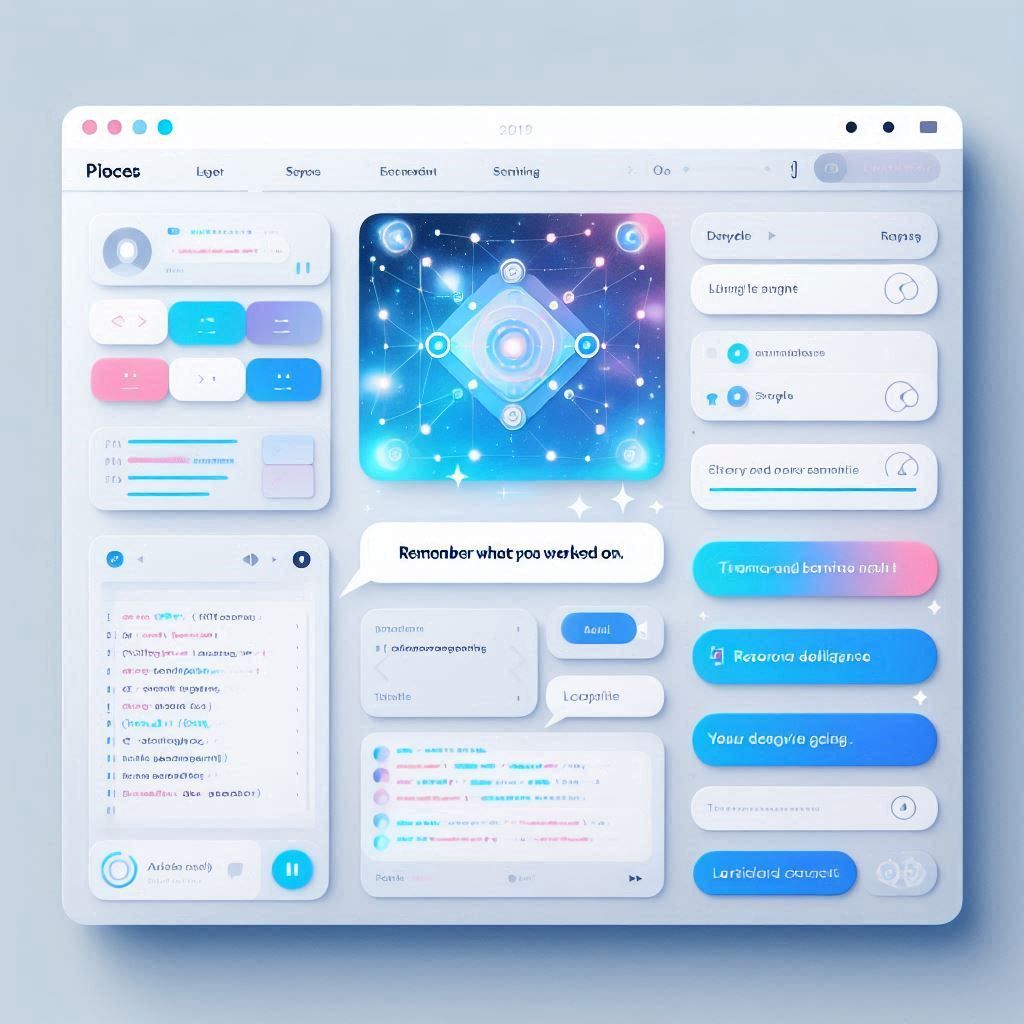
Pieces captures your work across browsers, IDEs, collaboration tools, and files—storing it locally in an intelligent memory engine. Its Copilot lets you query your recent activity, code snippets, or chats, while Drive helps organize and reuse your developer assets effortlessly.
Core Features & Capabilities
Built for developers and knowledge workers, Pieces streamlines workflows by reducing friction, enabling smarter recall, and preserving creative momentum across complex toolchains.
- Continuous OS-level memory capture of code, files, tabs, chats
- Pieces Drive to save, search, and reuse snippets with metadata
- Contextual AI assistant (Pieces Copilot) powered by LLMs
- Local-first processing—your data stays on-device and private
- Integrates into browser, IDEs, terminal, and productivity tools
- Recall past work by time—“What was I doing last Tuesday?”
Trending Use Cases
Why Developers Love Pieces
Install PiecesOS and the Desktop App, then add browser and IDE extensions. Continue working as usual—Pieces automatically captures your context. Open Drive to retrieve snippets or Copilot to interact conversationally with your memory. Upgrade to Pro for advanced models and long-term insights.
“Pieces feels like a second brain—remembering everything I did across tools, then helping me continue exactly where I left off.”
Getting Started with Pieces
By embedding long-term memory and contextual AI into your workflow, Pieces preserves your creative flow—reducing distractions, enhancing recall, and empowering smarter development.
Open the tool and review its core product experience.
Create your account or access your existing workspace.
Use your own task to judge speed, quality, and fit.
Check similar AI tools before making a final decision.
Pieces
Pieces introduces an OS-level AI context layer—serving developers as a private memory, assistant, and snippet repository all-in-one.
Pieces installs across macOS, Windows, and Linux to auto-capture your working context—code, documents, chats, browser tabs, and more—into a local, privacy-first Long-Term Memory Engine (LTM-2.5). It empowers developers with a searchable snippet library (Pieces Drive), a contextual AI assistant (Pieces Copilot), and seamless integration across tools to reduce context switching.
pieces.app/
Comments (0)
No Comments Found