


Pixelmator Pro
NexusAi Summary: Pixelmator Pro is an AI-powered image editing and graphic design app for Mac and iPad, offering professional tools with an intuitive interface.
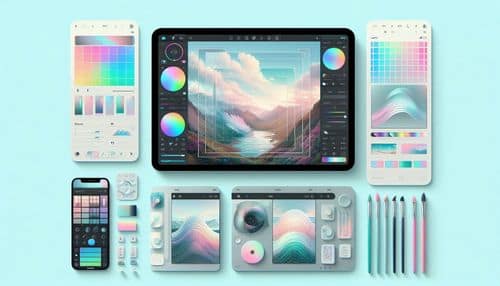
NexusAi Overview
Pixelmator Pro offers a balance between professional capabilities and simplicity, making it a strong alternative to complex design software. With over 50 editing tools and AI-powered enhancements, users can quickly retouch images, remove backgrounds, upscale photos, and apply creative effects. Its clean interface and seamless Apple integration make it especially appealing for Mac and iPad users.
Core Features & Capabilities
Ideal for designers, photographers, content creators, and Apple users who want a powerful yet intuitive tool for image editing, digital art, and graphic design.
- edit images with non-destructive workflows and full layer control
- use ai tools for background removal, upscaling, and smart adjustments
- design graphics with vector shapes, typography, and effects
- paint and illustrate with digital brushes and advanced tools
- sync projects seamlessly across mac and ipad devices
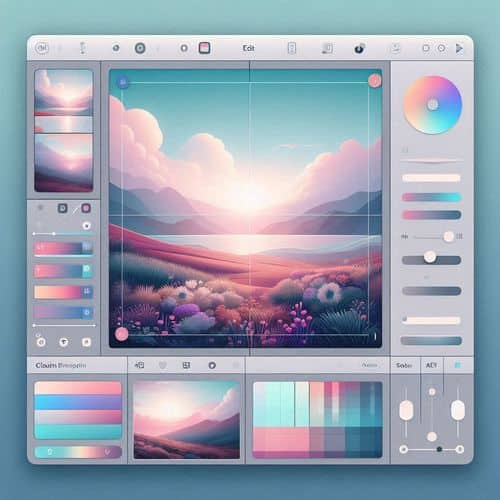
Trending Use Cases
Why Creators Choose Pixelmator Pro
Download Pixelmator Pro on Mac or iPad, import your images or start a new design, use AI tools and editing features to enhance your visuals, and export your finished work for web, print, or creative projects.
NexusAi: “Pixelmator Pro delivers professional editing tools with a simple, intuitive experience.”
Getting Started with Pixelmator Pro
By combining AI-powered tools, professional editing features, and seamless Apple integration, Pixelmator Pro provides a fast and accessible solution for creative work across photography, design, and digital art.
Open the tool and review its core product experience.
Create your account or access your existing workspace.
Use your own task to judge speed, quality, and fit.
Check similar AI tools before making a final decision.
Pixelmator Pro
Pixelmator Pro is an AI-powered image editing and design application built for macOS and iPadOS, offering professional tools in a user-friendly interface.
Pixelmator Pro is a powerful yet easy-to-use image editing and design application built exclusively for Apple devices. It combines professional-grade tools with AI-powered features to help users edit photos, create graphics, paint digital artwork, and design visual content. With support for non-destructive editing, layered compositions, and advanced effects, it provides flexibility for both beginners and professionals. The app integrates deeply with the Apple ecosystem, allowing seamless workflows across Mac and iPad while leveraging technologies like machine learning for enhanced editing capabilities.
Visit Pixelmator Pro
Comments (0)
No Comments Found