


Screen Studio
NexusAi Summary: Screen Studio is a macOS screen recording and editing tool that automatically turns recordings into polished, high-quality videos with minimal effort.
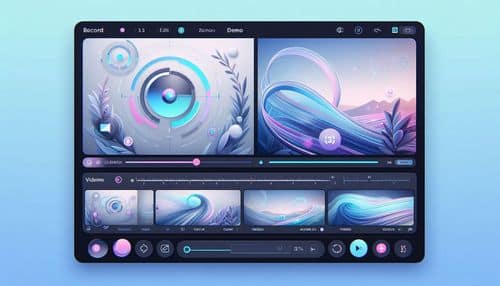
NexusAi Overview
Screen Studio stands out by automating the most time-consuming parts of video editing. It automatically adds zoom effects, smooth cursor motion, and professional animations, transforming raw recordings into presentation-ready videos. This makes it especially valuable for product demos, tutorials, and social content where clarity and visual quality matter.
Core Features & Capabilities
Ideal for creators, developers, startups, marketers, and educators who need to create high-quality demos, tutorials, and product videos quickly without advanced editing skills.
- automatically apply zoom and focus effects to highlight key actions
- smooth out cursor movement for professional-looking recordings
- record screen, webcam, microphone, and system audio together
- edit videos quickly with simple timeline controls and automation
- export videos optimized for social media or presentations
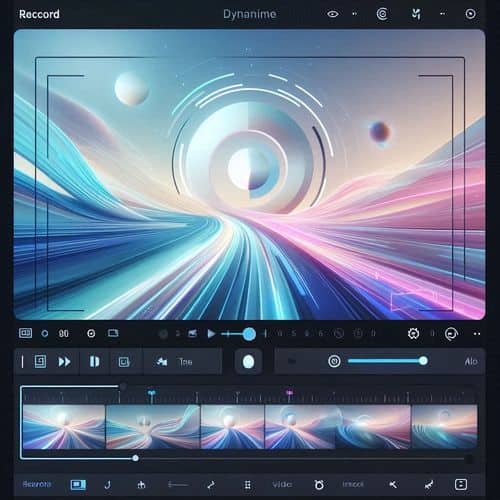
Trending Use Cases
Why Creators Choose Screen Studio
Download the app for macOS, start a recording session, capture your screen and audio, review the automatically enhanced video, adjust styling if needed, and export your final video for sharing.
NexusAi: “Screen Studio turns raw recordings into polished videos automatically.”
Getting Started with Screen Studio
By combining screen recording with automatic editing and visual enhancements, Screen Studio enables users to create high-quality videos quickly, making it a powerful tool for modern content creation and product communication.
Open the tool and review its core product experience.
Create your account or access your existing workspace.
Use your own task to judge speed, quality, and fit.
Check similar AI tools before making a final decision.

Screen Studio
Screen Studio is a macOS screen recording and editing tool that automatically enhances videos with professional effects and animations.
Screen Studio is a modern screen recording and video creation tool designed to produce professional-looking demos, tutorials, and social media content without complex editing. It automatically enhances recordings with cinematic effects such as smooth cursor movement, intelligent zooms, and animated transitions. Instead of manually editing timelines, users can rely on automation to create visually engaging videos in minutes. The tool is optimized for creators, developers, and marketers who want to quickly produce clean, high-converting product demos and educational content.
Visit Screen Studio
Comments (0)
No Comments Found