


Swishy
NexusAi Summary: Swishy is a browser-based AI motion design platform for generating motion graphics, kinetic typography, animated text, logo reveals, data visualisations and social media animations from prompts and editable templates.
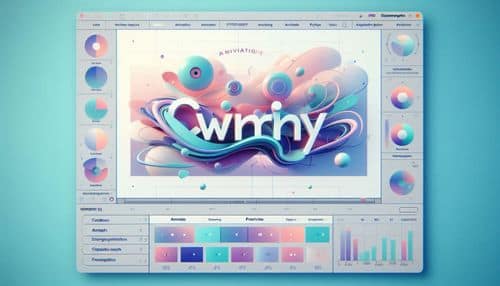
NexusAi Overview
Swishy turns motion design into a prompt-led and template-assisted workflow. Instead of manually creating every keyframe, users describe the visual style, message, mood and purpose of an animation, and the platform generates an editable scene. Swishy applies motion design concepts such as timing, easing, composition and visual hierarchy automatically, while users retain control over content, colours, duration, typography and effects. This makes it especially useful for producing repeatable branded content, animated titles and short-form visual assets quickly.
Swishy Features and Motion Design Capabilities
Swishy is best suited to content creators, social media teams, marketers, startup founders, educators, designers and small businesses that need polished motion content without spending hours building animations manually. It may be particularly useful for short-form videos, title cards, campaign graphics, product highlights, animated statistics, logo reveals and branded typography. Advanced motion designers may still prefer traditional software for highly customised compositing, complex character animation or frame-level control.
- generate motion graphics and editable animation scenes from natural-language prompts
- create kinetic typography, animated titles, captions and text reveal effects
- start from templates for logos, social media content, infographics and product showcases
- preview and refine text, colours, duration, timing, layout and visual effects
- export completed animations in MP4, MOV or GIF formats for video, web and social media
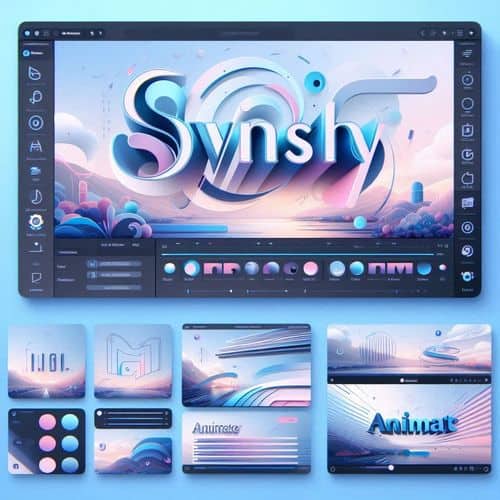
Popular Swishy Use Cases
Who Is Swishy Best For?
Start by describing the animation you want to create, including its message, style, mood, colours and intended platform. Swishy generates a motion scene that can be previewed and refined inside the browser. Adjust the text, typography, timing, duration, layout, colours and effects, then export the finished animation in a format suitable for social media, video editing, presentations or web content. Users can also start from templates for text animations, logos, infographics, product showcases and other common motion design tasks.
NexusAi: Swishy is most valuable when speed, editable motion templates and professional-looking animated text matter more than advanced frame-by-frame control.
How to Create an Animation with Swishy
Swishy reduces the technical barrier to motion design by combining AI generation with editable templates and browser-based controls. Its main advantage is speed: creators can move from an idea to a reusable animated scene without manually constructing every transition. However, generated results may still require adjustments to typography, timing, brand consistency and composition. Swishy should therefore be viewed as a fast motion design assistant and production tool rather than a complete replacement for advanced animation and compositing software.
Open the tool and review its core product experience.
Create your account or access your existing workspace.
Use your own task to judge speed, quality, and fit.
Check similar AI tools before making a final decision.

Swishy
Swishy develops browser-based AI tools for generating and editing motion graphics, kinetic typography, animated text, logo animations and other visual content.
Swishy is an AI-powered motion design and animation platform built for creators who want to produce polished animated content without relying on a traditional keyframe-heavy workflow. Users can describe an animation in natural language, begin with a professionally designed template, and then adjust elements such as text, colours, timing, duration and visual effects. Swishy supports motion graphics, kinetic typography, animated titles, logo animations, product showcases, video intros and outros, explainers, charts and social media content. Its browser-based workflow is designed to make common motion design tasks faster and more accessible, while still allowing users to refine generated scenes before exporting them for use in videos, presentations, websites and marketing campaigns.
Visit Swishy
Comments (0)
No Comments Found