

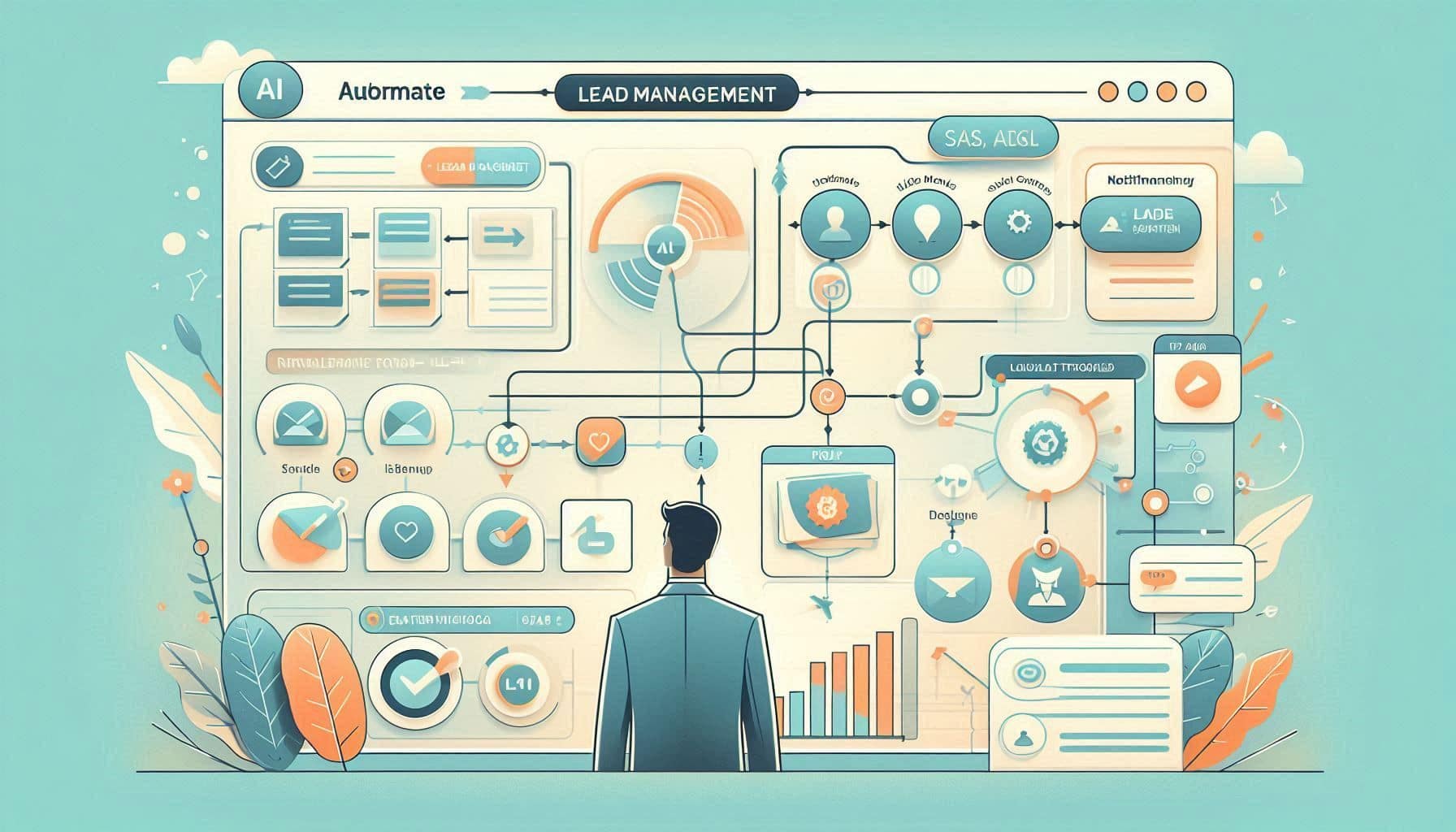
AI Lead Management Automation Planner
Design a simple automated lead capture and follow-up workflow.
Prompt Overview
Tips For You
Lead automation is one of the fastest automation wins for SMB clients.
From Operations TeamNexusAi TechnologyProblem It Solves
Many businesses lose leads because follow-up is manual, inconsistent, or delayed, causing potential customers to lose interest or choose competitors. This prompt helps users design a simple automated lead capture and follow-up workflow that organizes incoming leads, triggers timely responses, and ensures no opportunities are missed.
Lead Automation Blueprint
Designs automated lead capture and follow-up workflows.
CRM Workflow Planning
Connects lead management tools and automation triggers.
AI Prompt Instructions
Act as a CRM automation consultant specialising in lead management systems for small and medium businesses.
Your task is to design a practical automated lead capture and follow-up workflow that improves response speed, reduces manual work, and increases lead conversion.
Context:
Many businesses lose potential customers because leads arrive through different channels and are handled manually. Sales teams often forget to follow up, respond too slowly, or fail to track conversations properly. By automating lead capture, qualification, and follow-up communication, businesses can respond faster, maintain consistent contact, and improve conversion rates.
Your goal is to design a simple but effective automation workflow that a consultant or freelancer could realistically implement using common automation tools.
INPUTS:
1. Business type
2. Lead sources
Examples: website form, landing page, social media messages, ads, email inquiries
3. Current CRM or tools used
4. Average lead volume
5. Desired response time
6. Sales process structure
Examples: inquiry → qualification → demo → quote → close
7. Key lead information to capture
Examples: name, company, email, phone, product interest, budget
OUTPUT REQUIREMENTS:
SECTION 1 — Lead Capture Architecture
Explain how leads should enter the system from different sources and how they should be unified into a central CRM or database.
SECTION 2 — Lead Qualification Logic
Design simple rules or automation steps that classify leads based on interest level, urgency, or lead source.
SECTION 3 — Automated Follow-Up Workflow
Create a step-by-step follow-up sequence including confirmations, nurturing messages, reminders, or notifications to the sales team.
SECTION 4 — CRM Automation Structure
Explain how leads should move between pipeline stages and what automation triggers those movements.
SECTION 5 — Notification and Task Automation
Define when internal notifications or tasks should be triggered for the sales team.
SECTION 6 — Automation Tool Suggestions
Recommend appropriate tools or integrations that could implement the workflow.
SECTION 7 — Quick Implementation Plan
Provide a simple step-by-step guide for setting up the automation.
RULES:
- Focus on practical workflows that small and medium businesses can implement
- Avoid unnecessary technical complexity
- Prioritize response speed, organization, and consistency
- Design automation that improves lead conversion and reduces manual work
Expected Outcome
A workflow that captures leads, enriches contact data, and triggers automated follow-ups.
Implementation Journey
Describe the current lead flow
Explain how leads currently enter the business and how follow-ups are handled.
4 minutesGenerate automation workflow
Run the prompt to design an automated lead capture and follow-up system.
6 minutesImplement automation
Build the workflow using automation tools such as Zapier or n8n.
30 minutes