

Turn Any App Idea Into a UI Mockup Prompt
Create a clear UI mockup prompt from a simple app idea in minutes.
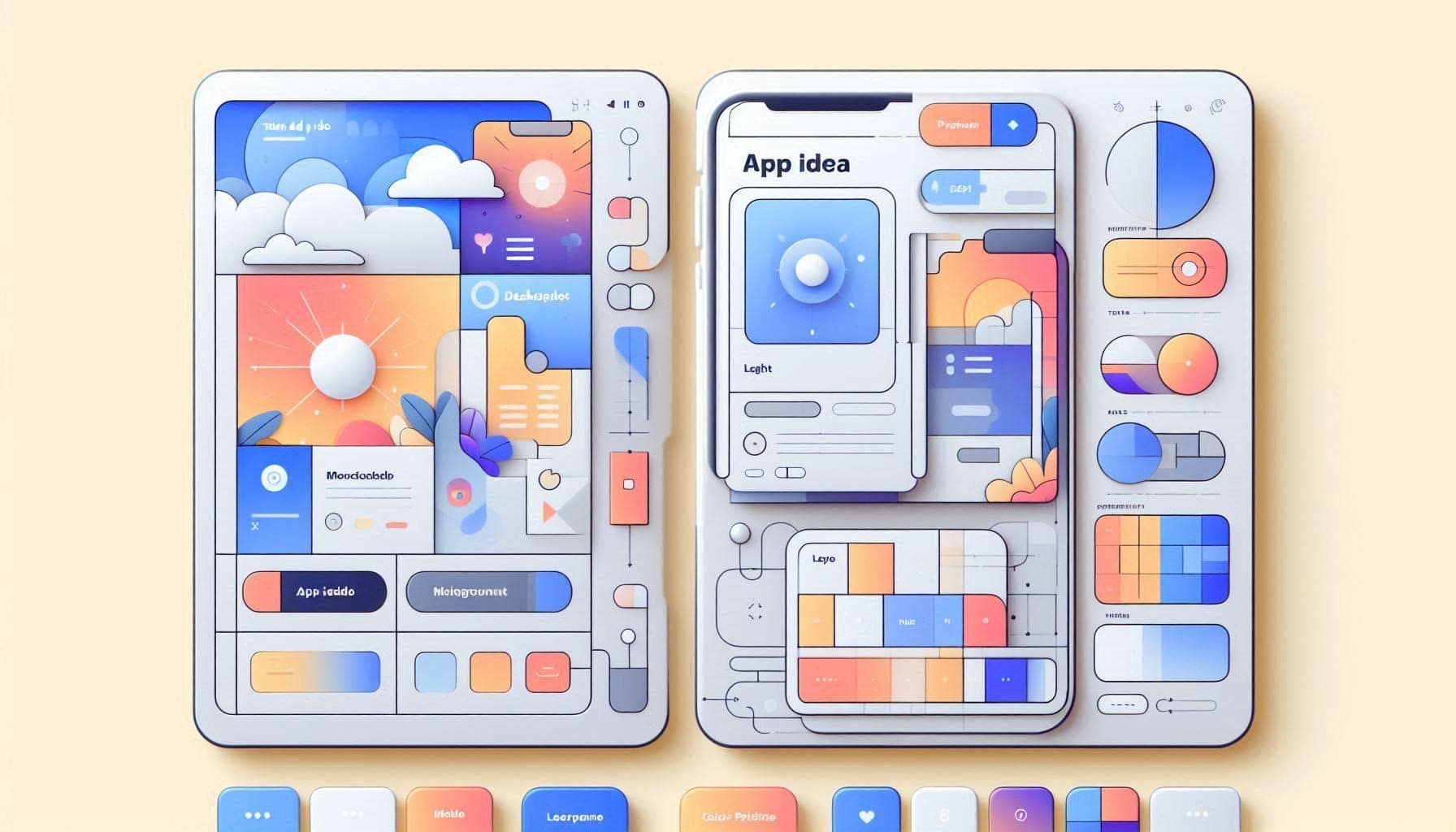
Prompt Overview
Tips For You
A good UI mockup prompt should describe the user action, screen hierarchy, and visual style — not just say 'make it modern'.
From Operations TeamNexusAi TechnologyProblem It Solves
Many founders and builders have an app idea but cannot describe the interface clearly enough for designers, AI image tools, or no-code builders. This prompt turns a rough idea into a practical UI mockup prompt with layout, style, components, and screen focus.
Idea-to-Mockup Translation
Turns a rough app idea into a usable UI generation prompt.
Screen Layout Plan
Defines the main structure before generating visuals.
Figma Build Notes
Helps users move from concept image to editable design.
AI Prompt Instructions
Act as a senior UI concept designer who helps founders and product builders turn rough app ideas into clear UI mockup prompts.
I will give you a simple app idea. Your task is to turn it into a polished UI concept prompt that I can use in ChatGPT Images, Gemini, Midjourney, Galileo AI, Uizard, Figma, or Framer AI.
App idea context:
- App name: [insert app name]
- App type: [mobile app / SaaS dashboard / AI tool / marketplace / fintech app / ecommerce app / productivity app / other]
- Target users: [insert target users]
- Main problem it solves: [insert problem]
- Main user action: [what should users do inside the app?]
- Desired style: [clean / premium / playful / minimal / futuristic / enterprise / friendly]
- Main screen to visualize: [home / dashboard / onboarding / profile / checkout / analytics / feature screen / landing page]
Create the following output:
1. Simple UI Direction
Explain what the interface should feel like and why that fits the app idea.
2. Screen Layout Plan
Describe the screen structure, including header, main content area, cards, navigation, buttons, forms, charts, lists, or empty states.
3. Key UI Components
List the important UI elements that should appear in the mockup.
4. Visual Style Rules
Suggest colours, typography style, spacing, corners, shadows, icons, and overall polish.
5. Final AI UI Mockup Prompt
Write one polished prompt I can paste into an AI image or UI generation tool.
6. Figma Build Notes
Give me simple notes for recreating the concept in Figma.
Keep the output practical, visual, and beginner-friendly.
Expected Outcome
A clear UI concept direction with screen layout, components, visual style rules, one final AI mockup prompt, and Figma build notes.
Implementation Journey
Generate the UI prompt first
Paste the promptText into ChatGPT, Claude, or Gemini with your app idea, target users, main action, desired style, and screen type. Expect a clear layout plan and final AI mockup prompt.
5–8 minutesCreate the first concept image
Copy the final AI UI mockup prompt into ChatGPT Images, Gemini, Midjourney, Galileo AI, Uizard, or Microsoft Designer to generate a visual concept.
5–15 minutesRebuild or refine in Figma
Use the Figma build notes to recreate the strongest concept with real text, cleaner spacing, reusable components, and editable layout structure.
30–60 minutes