

Create 5 Viral Short Video Ideas From One Image
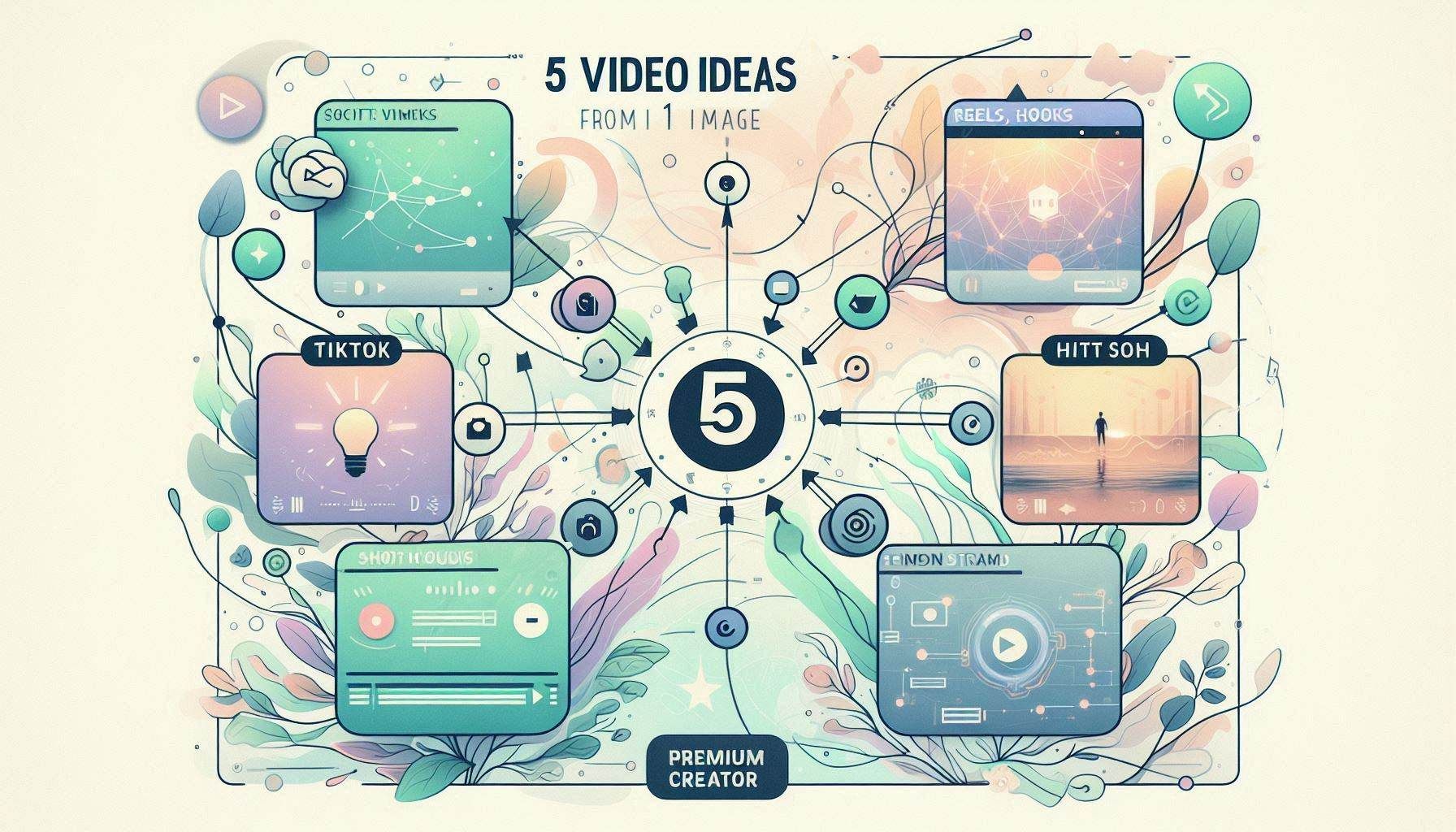
Turn one static image into five short video concepts for TikTok, Reels, Shorts, or ads.
Prompt Overview
Featured AI Partner
Tips For You
A strong image-to-video idea should not only move the image — it should create a reason to keep watching after the first second.
From Operations TeamNexusAi TechnologyProblem It Solves
Users often have a good product image, screenshot, or brand visual but do not know what short video idea to create from it. This prompt quickly turns one image into multiple practical video directions with hooks, motion, captions, and platform fit.
Five Concept Angles
Creates multiple short video ideas from one static asset.
Hook and Caption Flow
Adds opening hooks and caption sequence for better watchability.
Best Concept Pick
Prioritizes the easiest and strongest idea to generate first.
AI Prompt Instructions
Act as a short-form video creative strategist who specializes in turning static images into AI-generated videos for TikTok, Instagram Reels, YouTube Shorts, LinkedIn, and paid ads.
I will provide one image or describe it. Your task is to generate 5 distinct short video ideas that can be made from this single image.
Image context:
- Image type: [product / app screenshot / ecommerce product / character / brand graphic / lifestyle photo / illustration]
- Brand or product name: [insert name]
- Target audience: [insert audience]
- Main benefit or message: [insert message]
- Platform: [TikTok / Reels / Shorts / LinkedIn / ad / all]
- Desired tone: [premium / fun / educational / cinematic / bold / calm]
Create the following output:
1. Five Short Video Concepts
For each concept, include:
- Concept name
- Best platform
- Hook text for the first 2 seconds
- Motion direction
- Camera movement
- Caption sequence
- Ending frame
- Why it could attract attention
2. Best Concept Recommendation
Choose the strongest concept based on clarity, watchability, and ease of generation.
3. Ready-to-Use Image-to-Video Prompt
Write one final prompt for the best concept that I can paste into Gemini Omni, Runway, Kling AI, Pika, Sora, or Luma.
4. Editing Tip
Explain how to finish the video in Canva, CapCut, Premiere, or Topview AI.
Make the concepts different from each other. Avoid generic zoom-in-only ideas.
Expected Outcome
Five short video concepts from one image, including hooks, camera motion, caption sequence, ending frame, best concept recommendation, and ready-to-use image-to-video prompt.
Implementation Journey
Generate video concepts in ChatGPT, Claude, or Gemini
Paste the promptText with your image description, platform, audience, and message. Expect 5 differentiated short video ideas with hooks, motion, captions, and ending frames.
6–8 minutesAnimate the strongest concept
Copy the selected image-to-video prompt into Gemini Omni, Runway, Kling AI, Pika, Sora, Higgsfield, or Luma Dream Machine with the original static image uploaded.
5–15 minutesFinish for social publishing
Use CapCut, Canva, Premiere, or Topview AI to add text overlays, platform-safe captions, music, and final export sizing.
15–30 minutes