

Create a Profile Banner That Looks Professional
Generate a clear profile banner concept for LinkedIn, YouTube, X, or a personal website.
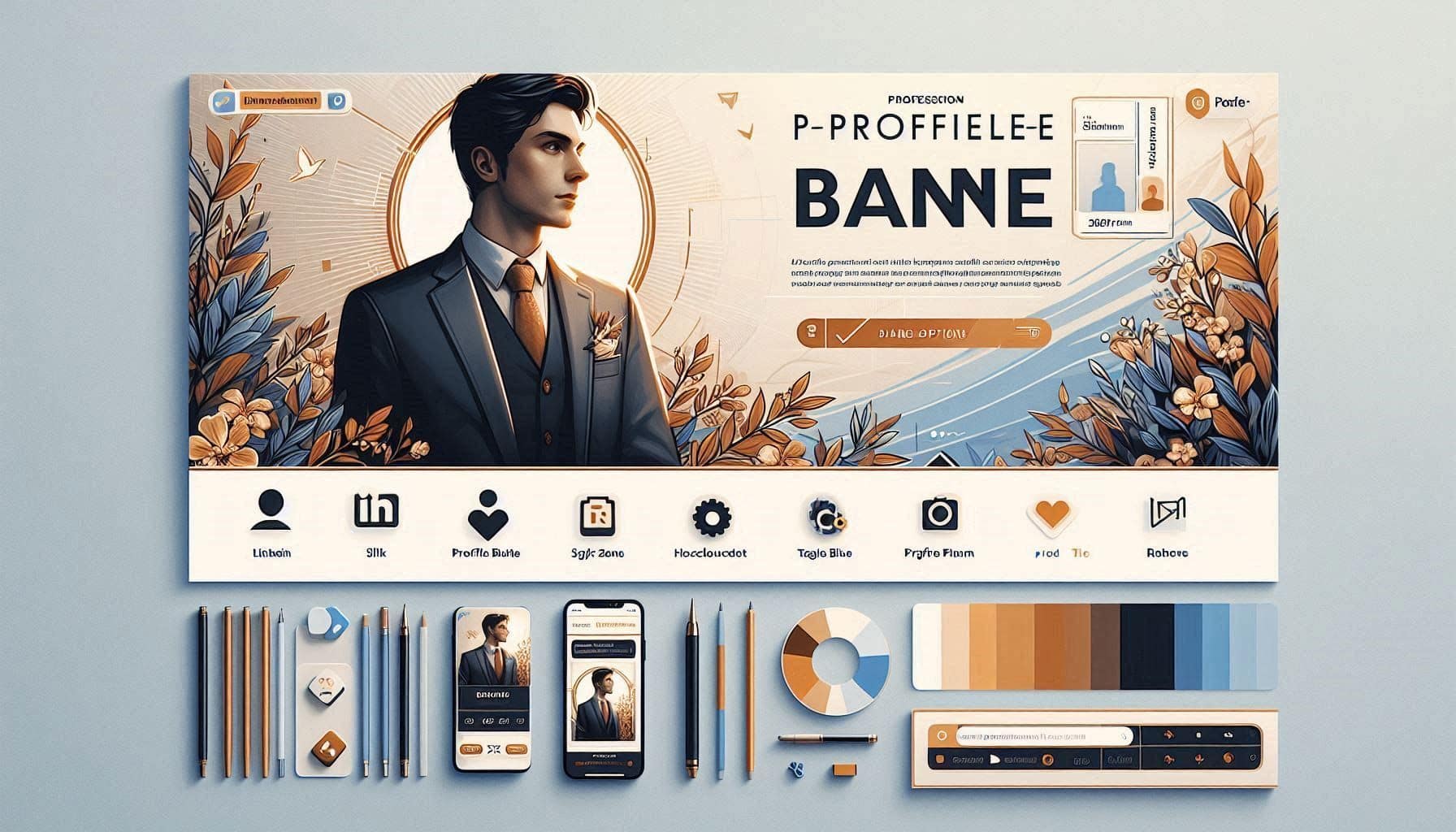
Prompt Overview
Tips For You
A good banner is not decoration. It should answer: who are you for, what do you help them do, and why should they remember you?
From Operations TeamNexusAi TechnologyProblem It Solves
Many personal brand banners are blank, cluttered, generic, or unclear. This makes it harder for visitors to understand who the creator helps, what they are known for, and why they should follow or trust them.
Banner Message Strategy
Clarifies what visitors should understand instantly.
Headline Options
Provides short banner copy for stronger profile positioning.
Platform-Ready Layout
Guides layout, spacing, portrait placement, and CTA area.
AI Prompt Instructions
Act as a personal brand designer specializing in profile banners for LinkedIn, YouTube, X, newsletters, and personal websites.
I want to create a professional profile banner that quickly explains who I am, what I do, and why people should care.
Banner context:
- Name or brand name: [insert name]
- Platform: [LinkedIn / YouTube / X / newsletter / personal website]
- What I want to be known for: [insert expertise]
- Target audience: [insert audience]
- Main promise: [insert promise]
- Tone: [premium / approachable / expert / bold / calm / creative / practical]
- Existing brand colours: [insert colours or say none]
Create the following output:
1. Banner Message Strategy
Explain what the banner should communicate in one glance.
2. Banner Layout Concept
Describe the layout, including headline placement, portrait or avatar placement, background style, icons, proof badges, CTA area, and spacing.
3. Banner Copy Options
Give me 5 short banner headline options and 5 supporting tagline options.
4. Visual Style Direction
Suggest colours, typography style, background elements, icons, and image treatment.
5. AI Image Prompt
Write one polished prompt for generating the banner concept in ChatGPT Images, Gemini, Midjourney, Microsoft Designer, Kittl, or Adobe Firefly.
6. Manual Build Notes
Explain how to recreate the banner in Canva, Figma, Kittl, or Microsoft Designer.
Keep it professional, clear, and not cluttered.
Expected Outcome
A professional profile banner concept with message strategy, layout direction, headline options, visual style, AI image prompt, and manual build notes.
Implementation Journey
Generate the banner concept
Paste the promptText into ChatGPT, Claude, or Gemini with your platform, expertise, audience, promise, tone, and colours. Expect banner messaging, layout direction, copy options, and an AI image prompt.
5–8 minutesCreate the visual direction
Use the AI image prompt in ChatGPT Images, Gemini, Midjourney, Microsoft Designer, Kittl, or Adobe Firefly to generate a banner concept.
5–15 minutesFinalize the banner
Use Canva, Figma, Kittl, Microsoft Designer, or Pixelmator Pro to set exact platform dimensions, clean up text, align spacing, and export the final banner.
20–45 minutes