

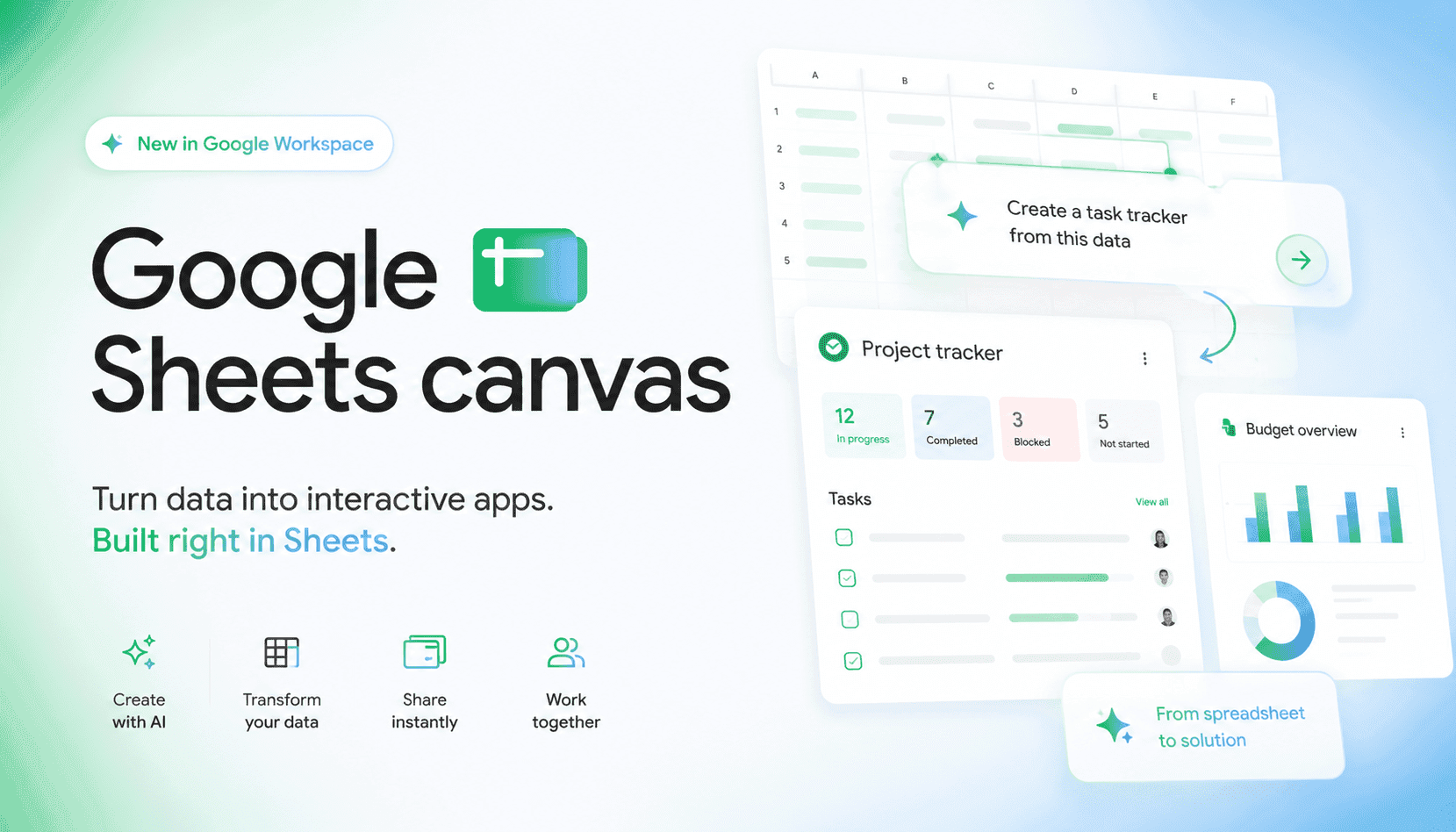
Sheets canvas reframes Google Sheets from a grid-first tool into a promptable, read‑write surface. Describe what you want—“Build a study tracker with weekly progress and late alerts”—and Gemini assembles interactive components on top of your existing sheet. Because the canvas remains synced in both directions, edits in the canvas or the grid immediately reflect in the other. That matters for real teams: you can give stakeholders a friendlier UI without breaking the data backbone, and continue refining layout, logic, and visuals via natural‑language prompts instead of formulas.
Strategically, this turns Sheets into a lightweight no‑code runtime—good enough for dashboards, trackers, planners, intake flows, and seating charts that used to require add‑ons or scrappy web apps. Compared with templates or macros, canvas is more dynamic and cooperative: components feel like small apps, yet stay anchored to your spreadsheet’s schema. Expect uptake in education, ops, events, growth teams, and SMB finance where the data already lives in Sheets and collaboration norms are established. For leaders, the appeal is speed and reduced context switching across tooling.
The trade‑offs are classic no‑code concerns. Governance must keep up with easier app creation—think permissions, audit trails, naming, and lifecycle. Performance will hinge on sheet size, formula complexity, and the number of interactive components. Canvas won’t replace data models, semantic layers, or robust analytics; it complements them. A pragmatic stance: standardize when to use canvas vs AppSheet or Looker, define guardrails for sensitive data, and measure ROI using adoption, task completion time, and maintenance overhead rather than vanity usage stats.