

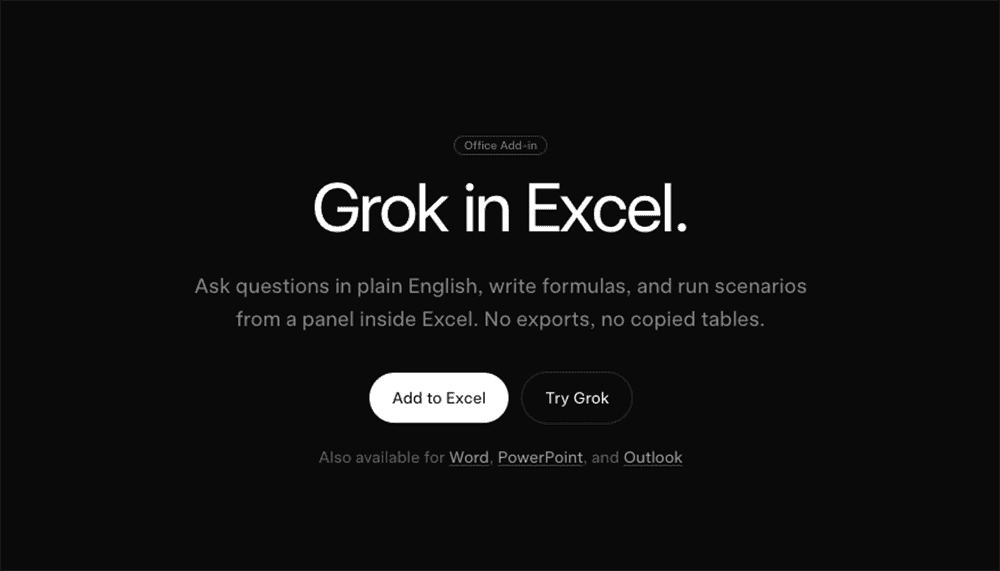
Grok for Excel pushes AI from a sidecar chat into the spreadsheet itself. As a Microsoft 365 add-in, it docks beside your workbook, reads only the ranges you highlight, and writes native formulas, fills, sorts, and charts as standard edits. Instead of exporting data to a bot, the agent operates in place: answers can cite specific cells, scenario changes are flagged, and every action becomes a normal entry in the sheet’s history. For analysts and operators, this preserves existing modeling conventions, named ranges, and review workflows while removing the copy-paste hop that often breaks data lineage and invites mistakes.
Why it matters: embedded agents collapse the distance between question and action. When a controller asks “what moved and why,” the result lands next to the table, with formulas and charts that teammates can audit. The agent’s focus on selected ranges aligns with least-privilege data access, reducing accidental exposure of tabs or sheets that weren’t meant for analysis. And because outputs are standard Excel artifacts, handoffs remain smooth—no proprietary objects, no broken links—supporting monthly close, pipeline reviews, and operational dashboards that depend on strict version control and traceability.
Teams evaluating Grok for Excel should test beyond demo-perfect tables. Use a forecast with volatile seasonality, a KPI sheet with legacy formulas, and a messy transactional log. Ask the agent to reconcile outliers, rebuild a 3-month average, and generate a downside case with flagged diffs. Score the outputs on speed, correctness, formula readability, and cell-level provenance. Confirm admin deployment flows, single sign-on, and audit logs. Finally, check how the agent handles ambiguous instructions and whether it gracefully asks for clarification before editing—critical for governed environments where wrong but confident automation creates rework or financial risk.
The market implication is clear: office AI is becoming an agent layer inside familiar tools. This increases adoption odds compared with separate chatbots, but it also raises the bar for reliability, observability, and guardrails. Expect rapid iteration around formula synthesis, explanation quality, and scenario diffs. For buyers, the decision lens shifts from “do we add AI?” to “which sheets, which roles, and which controls?” Early wins will come from high-frequency tasks—variance analysis, pipeline hygiene, cash flow scenarios—where in-place agents can shave minutes per action and standardize outputs without altering the spreadsheet’s underlying structure.