Adobe Firefly’s Multi-Model Strategy Could Become the Creative AI Workflow to Copy
Adobe Firefly’s expanding multi-model creative environment shows where AI design and video tools may be heading: not one model for everything, but a workflow hub where creators compare, refine, and finish assets faster.
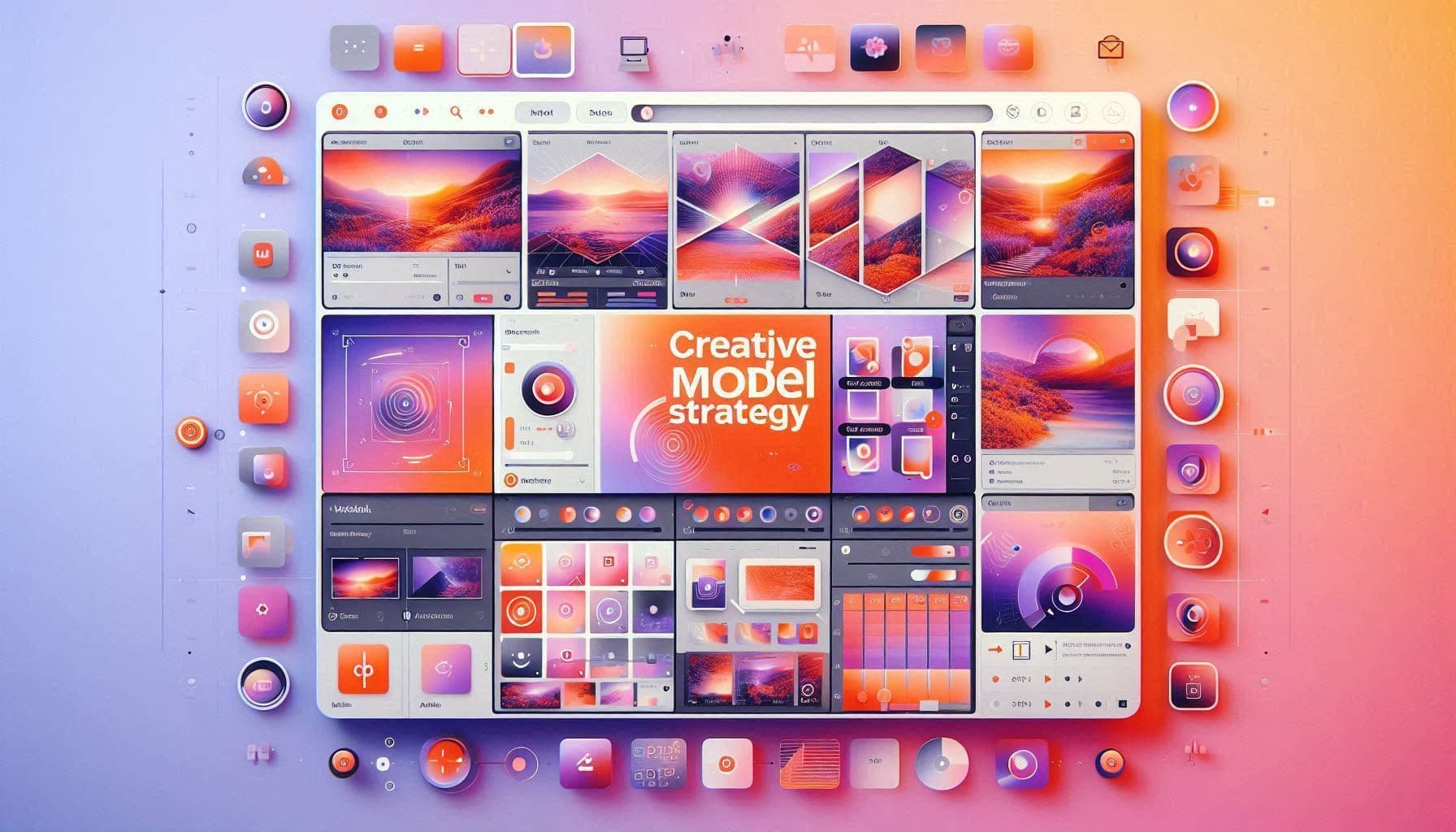
AI BriefAdobe Firefly’s multi-model strategy is important because creative AI is becoming workflow-based. Instead of choosing one image or video model forever, creators increasingly need a hub where they can generate with different models, compare outputs, refine assets, and move into professional editing tools. This makes Firefly a useful example of how AI creative platforms may evolve.
Creative AI tools are moving from novelty generators to production workflow systems. A few years ago, many users judged image and video AI by a single prompt result. Now creators need more: model choice, style control, editing continuity, brand consistency, commercial safety, export quality, and integration with real creative software.
Adobe Firefly’s expanding multi-model strategy is interesting because it does not treat one model as the answer to every creative problem. Instead, it positions Firefly as a place where creators can access different models, compare outputs, refine ideas, and continue into a broader Adobe-style creative workflow.
For NexusAI users, this is a strong signal. The most useful creative AI products may not be the tools with the flashiest single demo. They may be the tools that help users move from idea to usable asset with fewer broken steps.
Key Takeaways
Creative AI is becoming workflow-based
The best platforms will help users move from generation to refinement, editing, approval, and final asset delivery.
Multi-model choice is becoming valuable
Creators benefit from comparing different models for image, video, motion, realism, style, and production fit.
Workflow hubs may beat single-purpose generators
Standalone generators remain useful, but hubs can reduce friction for teams that need consistent, publishable creative assets.
Why one creative model is rarely enough
Different creative tasks need different model strengths. A designer creating campaign visuals may care about brand consistency and clean typography. A video creator may care about motion, character continuity, timing, and cinematic style. A product marketer may care about fast variations, ad formats, and export-ready assets.
A single model may be strong in one area and weaker in another. This is why multi-model creative environments are becoming more valuable. They let users choose the right engine for the job instead of forcing every creative task through one model’s strengths and limitations.
The workflow advantage: generate, compare, refine, finish
The strongest part of the multi-model approach is workflow continuity. A creator can generate several directions, compare different model outputs, select the strongest base, refine the prompt or visual direction, then continue editing without restarting from scratch in another tool.
This is especially important for teams. Creative work rarely ends after the first generation. Assets need resizing, color correction, text overlays, brand alignment, cropping, motion adjustment, background cleanup, approval review, and distribution. A workflow hub can reduce the friction between AI generation and final production.
What this means for video creators
AI video generation is becoming one of the most competitive creative categories. The challenge is that video quality is not only about visual detail. It includes motion control, prompt accuracy, scene consistency, pacing, camera movement, audio direction, and how easily the clip can be edited into a real campaign or social post.
A multi-model creative workspace gives video creators more room to test. One model may produce stronger cinematic movement, another may produce better realism, and another may fit stylized social content. The winner is not always the model that looks best in isolation, but the one that fits the creator’s final output goal.
Where Firefly-style hubs may outperform standalone tools
Standalone AI tools can be excellent for experimentation, but production teams often need repeatable systems. A Firefly-style hub becomes more attractive when users need brand assets, campaign variations, polished edits, and a reliable path from AI output to publishable creative.
This does not mean standalone tools will disappear. Many specialized tools will still outperform broader platforms in specific niches. But creative teams may increasingly combine both: specialized generators for exploration, and workflow hubs for refinement, brand consistency, and delivery.
Best-fit users
This approach is especially useful for marketers, designers, creators, agencies, ecommerce teams, video editors, social media managers, and founders building visual campaigns. It is also valuable for users who feel overwhelmed by choosing between too many AI models, because the hub model makes comparison part of the workflow.
Beginners can use it to test creative directions quickly. Professionals can use it to speed up ideation and handoff. Teams can use it to create repeatable campaign workflows instead of scattering assets across disconnected AI tools.
The NexusAI takeaway
Adobe Firefly’s multi-model direction shows a future where creative AI platforms compete on workflow, not only model quality. The winning tools will help users generate better ideas, compare options faster, refine with more control, and move toward finished creative assets without breaking the production chain.
Frequently Asked Questions
Why is a multi-model creative platform useful?
A multi-model platform is useful because different AI models perform better on different creative tasks. Users can compare outputs, choose the best direction, and refine assets without moving between disconnected tools.
Is Adobe Firefly only for professional designers?
No. Firefly-style workflows can help beginners test ideas quickly, while professionals and teams can use them for more controlled production, campaign assets, and brand-aligned creative work.
Will multi-model hubs replace standalone AI generators?
Not completely. Specialized generators will still matter, but many users may prefer hubs for refinement, editing continuity, brand control, and production-ready workflows.

