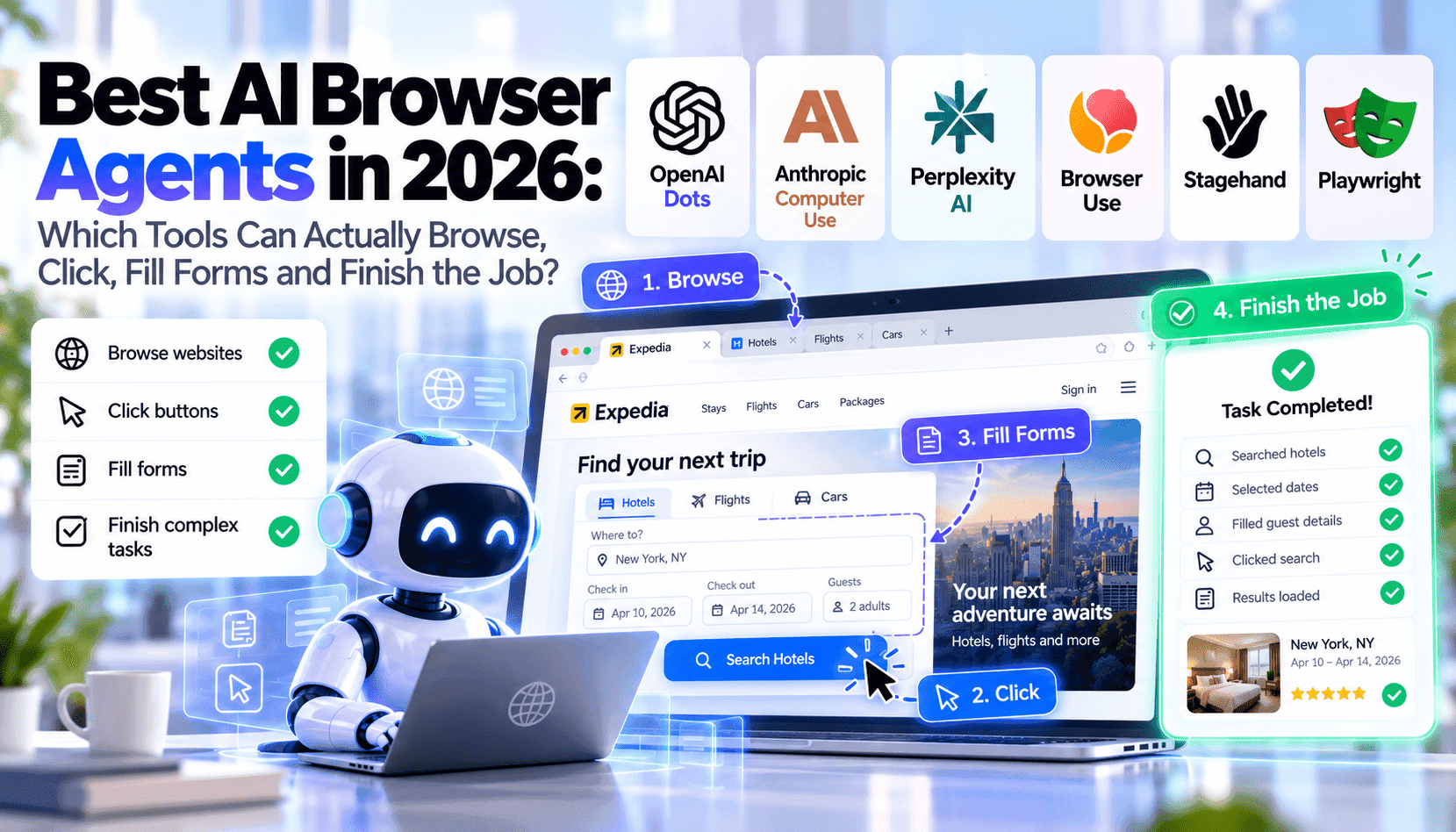
A hands-on comparison of 2026’s browser-capable AI agents and automation platforms — which ones truly operate websites end-to-end, where they break, and which workflows justify hosted agents, open-source automation, or Playwright custom builds for individuals, developers and businesses.
The past two years have blurred the line between search assistants and true browser operators. Many products now claim they can “automate web tasks”, but the difference between reading pages and reliably clicking, authenticating, uploading files and handling complex JS-driven flows is still wide. This analysis walks through the practical strengths and limits of mainstream options in 2026, focusing on what actually completes multi-step jobs in real environments: product comparison shopping, booking travel with layered constraints, submitting business forms behind SSO, scraping paginated research data, and updating SaaS dashboards via UI interactions or APIs.
We use a consistent rubric: research quality (can the agent synthesize and prioritize results), browser control granularity (selectors, simulated clicks, keyboard events), form filling accuracy, login and MFA handling, file upload/download support, reliability on dynamic single-page apps, behavior around CAPTCHAs and anti-bot defenses, memory across steps and sessions, human-in-the-loop approval controls, speed, pricing tiers and privacy guarantees. Each tool is judged for the pragmatic buyer: end user wanting a desktop assistant, developer integrating an agent, or an enterprise evaluating hosted vs self-hosted options.
In short: a small set of hosted agents now complete many straightforward multi-step tasks reliably, but the edge cases — multi-factor logins, advanced anti-bot systems, unpredictable client-side rendering and bespoke enterprise forms — remain the domain of tailored Playwright-based or hybrid MCP (Micro-Controller-Playwright) workflows. The trade-offs are cost, maintenance burden, and security controls. Below we unpack the leading tools, common failure modes, realistic scenarios, and a decision matrix that helps you pick the right approach for your constraints and risk appetite.
What counts as true autonomous browser control?
True autonomous browser control goes beyond retrieving and summarizing HTML: it means deterministically manipulating the page DOM (clicks, typing, file input), handling client-side navigation, preserving session state across steps, and recovering from transient errors. It also requires attachment to system-level primitives such as file uploads, downloads, and clipboard operations when workflows demand them. We clarify the operational bar: reproducible end-to-end completion of a real, multi-step task without a human re-entering credentials or manually intervening in the UI.
Why this definition matters: many agents call themselves browser-capable because they can fetch pages and run JavaScript in an isolated sandbox — useful for extraction, but not sufficient for workflows that require interacting with third-party widgets, SSO, or multi-page checkouts. When evaluating vendors, insist on task-level completion tests (e.g., book a refundable flight with 2 stops, submit a corporate vendor form behind SSO, upload a CSV to a live dashboard and confirm the row counts) rather than simple page summaries.
Common failure modes and mitigation strategies
Agents fail most often on dynamic content, client-only rendering, and anti-bot defenses. You’ll see flaky selectors when sites use random element IDs, race conditions on lazy-loaded components, and silent failures on cross-origin iframes. The pragmatic mitigations: prefer robust CSS/XPath strategies, use content-based heuristics (text proximity) rather than brittle IDs, add explicit wait-for conditions tied to semantic page states, and capture screenshots and DOM snapshots for post-failure analysis.
For CAPTCHAs and bot checks, the realistic options are: (1) route actionable tasks to human-in-the-loop approval gates, (2) integrate enterprise SSO/OAuth flows where possible to avoid interactive challenges, or (3) accept partial automation and fall back to API integrations when available. Don’t assume a hosted agent will bypass anti-bot systems — that’s both unreliable and ethically fraught.
Realistic scenarios and recommended approaches
Scenario: comparative product research across retailers. For individuals or small teams, a hosted agent (Dots or Perplexity with browser plugin) can retrieve listings, normalize prices, and assemble a comparison in minutes. For high-volume or repetitive research with custom matching rules, run a Playwright pipeline that standardizes DOM extraction, caches results, and stores normalized rows into a DB for downstream analytics.
Scenario: booking travel with corporate constraints and multiple vendor sites. If you must handle SSO, corporate cards, and refunds, an enterprise-grade Playwright workflow (or Stagehand with enterprise connectors) combined with human approval gates is the safest path. For one-off consumer trips, hosted agents are faster and cheaper but may fail silently on payment captchas or 3DS flows.
Decision matrix: hosted agent, open-source framework, or custom Playwright/MCP?
Choose hosted agents when: you need fast time-to-value, are automating low-risk consumer tasks, and prefer provider-managed security. Expect simpler pricing, but limited control over session persistence and SSO. Choose open-source automation frameworks (e.g., community Playwright + orchestration tools) when you want cost predictability and avoid vendor lock-in; they require engineering resources but can be hardened for scale. Opt for a custom Playwright/MCP workflow when you require deterministic reliability, enterprise SSO, secrets management, detailed observability, and a path for legal/compliance auditing.
For teams deciding today: map your primary failure mode (authentication, anti-bot, dynamic rendering, or file handling) to the toolset. If three+ of those are high risk, prioritize Playwright. If only research and light interactions are required, test a hosted agent with a strict SLA and clear human approval workflows.