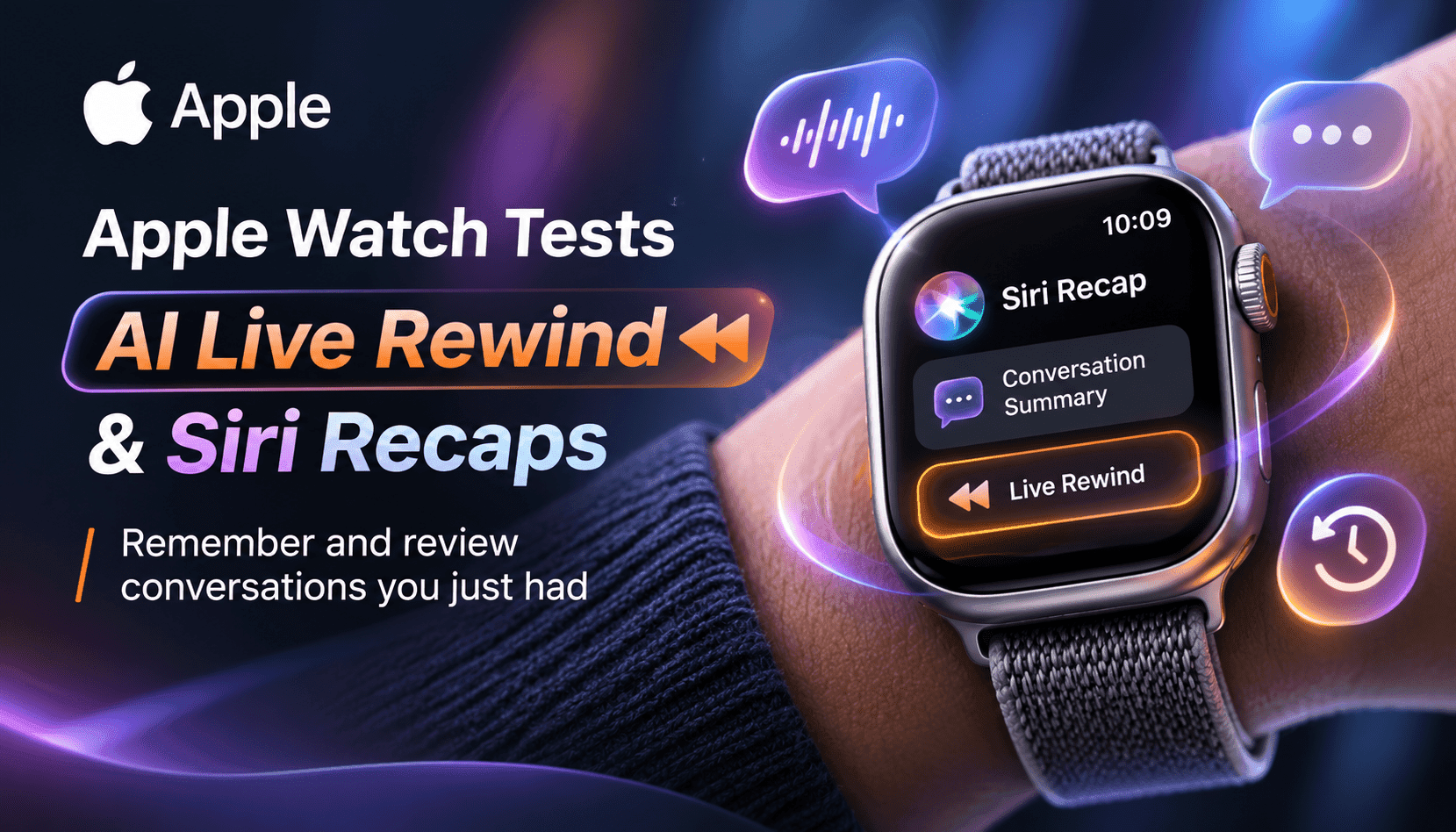
Apple’s Audio Intelligence beta for Watch Series 12 and Ultra 4 introduces Live Rewind and Siri Recaps — short, ephemeral text snippets and concise meeting summaries designed to help you recover missed details. This piece explains how the features work, the privacy design, limitations, and whether ambient memory is poised to go mainstream on wearables.
Apple’s new Audio Intelligence beta moves ambient listening from experiment to packaged product by offering two distinct user flows: Live Rewind to recover immediate, short-form context and Siri Recaps to produce higher-level notes for later review. Live Rewind focuses on micro-recovery — a 15‑second condensed text snippet that appears on the watch after a deliberate gesture — while Siri Recaps creates short summaries and bullet points describing key facts, deadlines, or action items from conversations. Both are opt-in and tied to the Apple Watch Series 12 and Ultra 4 hardware and the S11 family of processors.
From an engineering perspective the feature chain is notable: lightweight detection runs on the watch’s low-power processor, raw audio is routed to a secure enclave buffer where it remains inaccessible except to the paired iPhone, the iPhone performs condensed transcription and filtering on-device, and the summarization step is handled by Apple’s Private Cloud Compute with immediate deletion thereafter. That hybrid architecture attempts to balance quality with privacy and compute constraints, but it introduces new trust and attack-surface considerations for enterprises and privacy teams evaluating deployable ambient memory on consumer wearables.
For product leaders and buyers, the question is not just whether the feature works, but how it fits into workflows and compliance frameworks. Live Rewind is clearly aimed at fast, situational recovery — catching a missed name or direction — while Siri Recaps is designed to replace a quick set of handwritten notes. However, the limited retention windows, visible recording cues, and opt-in controls shape the feature’s practical adoption: these guardrails reduce some risk, but they do not eliminate the need for clear policies, user education, and feature-level auditability in regulated environments.
What’s included in Audio Intelligence
Audio Intelligence bundles four opt-in capabilities; the beta highlights two that are conversation-focused: Live Rewind and Siri Recaps. Live Rewind lets a user double‑press the digital crown to retrieve the last 15 seconds of a spoken exchange as condensed text; the snippet can be dismissed or saved to the Siri app. Siri Recaps automatically generates short summaries and concise bullet points for conversations, surfacing key facts such as dates, action items, or pricing details but intentionally avoiding verbatim transcripts and speaker identification.
Apple also includes visible and audible cues—an animation and chime on Live Rewind—to signal recording. Snippets disappear after 30 seconds unless saved; recaps are retained for a short review period and deleted after seven days if the user takes no action. These design choices shape the user experience toward ephemeral, user‑initiated memory rather than continuous, permanent logging.
How Live Rewind works and when to use it
Live Rewind is engineered for immediate, situational retrieval: lightweight models on the S11 detect conversational audio and the watch buffers a short clip in a hardware‑protected area. When you double‑press the crown an animation and chime play, the last 15 seconds are transformed into condensed text on the watch face. The omission of filler words improves scannability but also creates a lossy representation: you’ll get the gist and key tokens, not a word‑for‑word replay. Practically, this is useful for catching names, brief directions, or menu items.
Operationally, Live Rewind is best treated as a micro‑productivity tool rather than a substitute for formal note‑taking. Teams should document acceptable contexts for use and ensure visible cues are understood by users in shared or regulated environments. Developers and vendors integrating with the Siri app can consider how saved snippets can feed downstream tasks — for example, quick contact creation or task entry — while retaining the ephemeral mindset of the original design.
Siri Recaps: summary-first, not transcription-first
Siri Recaps moves beyond a snippet to generate concise summaries plus bullet points that surface names, dates, deadlines, and factual items while intentionally excluding sensitive identifiers. The recap workflow emphasizes a short sentence and a handful of bullets instead of verbatim transcripts or speaker attribution, seeking to mimic a user’s quick meeting notes. Recaps can be scheduled (for work hours) or triggered manually, and saved recaps can be exported to Notes or a personal Journal app for follow-up.
For knowledge workers and operators, Siri Recaps has real productivity potential: it lowers the friction of capturing action items during calls and meetings where typing is disruptive. But the lossy summarization and the omission of nuance, tone, and verbatim phrasing mean teams should treat recaps as prompts for verification rather than authoritative records—especially where legal or compliance accuracy matters.
Privacy architecture and practical limitations
Apple’s end‑to‑end design blends on‑device detection, secure enclave buffering, iPhone‑based condensed transcription, and Private Cloud Compute for summarization with immediate deletion. Audio is not meant to be stored in raw form outside the secure enclave and Apple says recaps are deleted from PCC immediately after use. These measures reduce certain privacy risks but do not remove them: data in transit and the summarization step introduce ephemeral trust boundaries, and the feature’s exclusion of speaker identification also limits utility in multi‑participant meeting contexts.
Organizations must still evaluate ambient memory against policy and regulatory requirements. The visible chime and animation are designed to increase transparency, but whether that satisfies consent requirements depends on local law and workplace rules. From a security standpoint, teams should review pairing mechanics, device enrollment flows, and any enterprise MDM controls that determine whether Audio Intelligence can be enabled on corporate devices.
Market and product implications: is ambient AI becoming mainstream?
Apple’s rollout signals that ambient AI memory is moving from niche devices to mainstream wearables. The combination of hardware acceleration, hardware‑protected buffers, and PCC summarization shows a path for high-quality, low-latency capabilities on power-constrained form factors. For founders and product leaders, this raises both opportunity and competition: ambient features can now be a differentiator on general-purpose wearables, not only on specialist AI glasses or always-on devices.
Practically, companies should reassess voice and meeting workflows, consider integration points (CRM, task managers, EHR systems), and update privacy disclosures. Investors and operators should watch whether Apple’s design choices — ephemerality, visible cues, on-device preprocessing — become the default pattern for responsible ambient memory, since that pattern will influence regulatory responses and enterprise adoption over the next 12–24 months.