

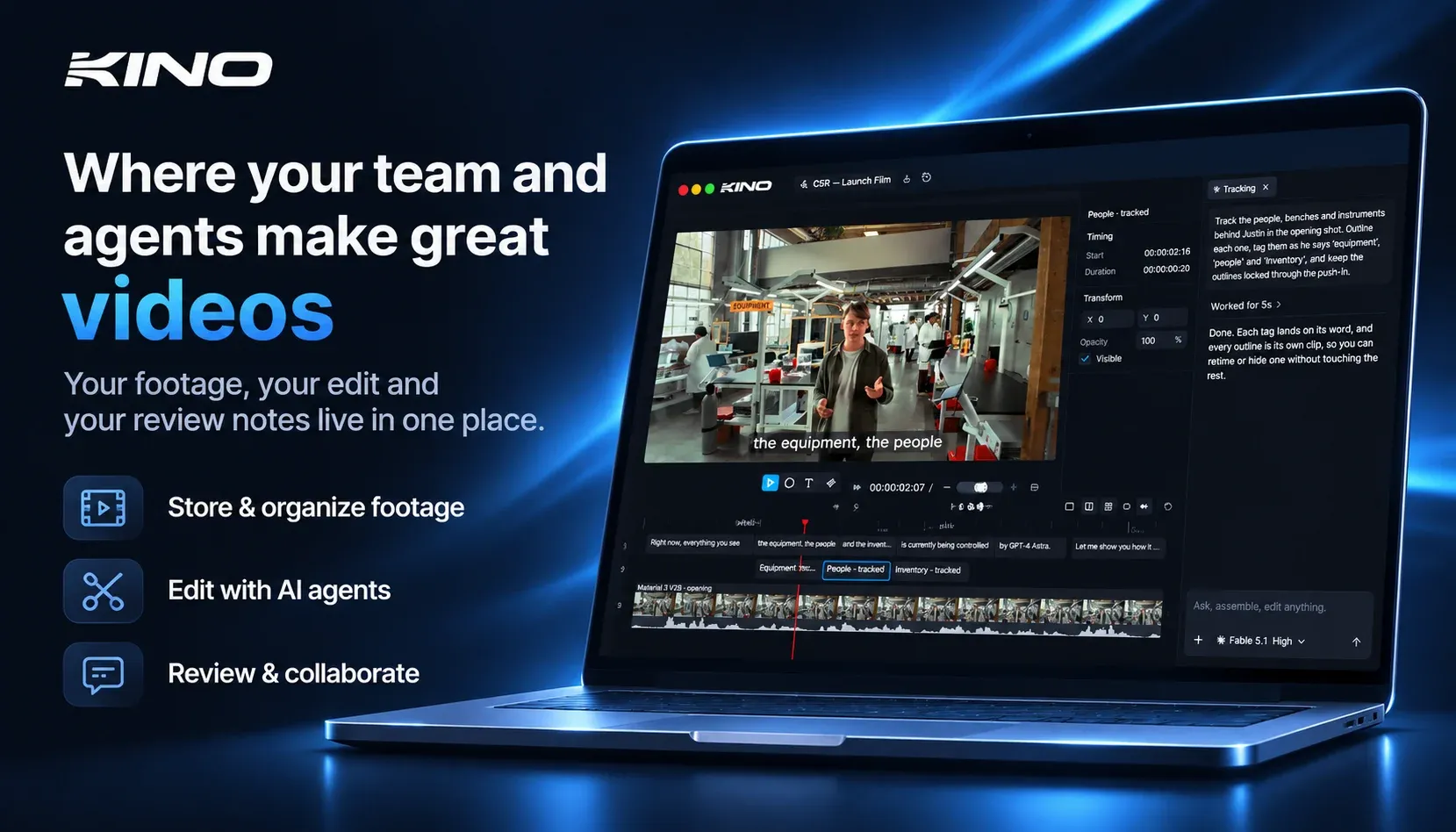
Kino’s desktop relaunch makes a simple but consequential bet: treat timelines and edits as code. Instead of storing a binary project file in an opaque container, the editor serializes every timeline operation — cuts, keyframed motion graphics, transitions and comments — into human-readable, versionable code. For production teams that already use Git-style workflows for assets and templates, this approach shifts video projects into the same toolchain as codebases. It’s not merely a convenience; code-first projects enable deterministic diffs, CI-style validation of render settings, and programmatic composition by external agents that can propose, review and apply changes without reinterpreting a visual state from pixels.
Kino pairs its code-first model with footage transcription and clip indexing so agents can find the right material quickly. Rather than prompting a model with fuzzy descriptions and hoping it guesses the clip, an agent queries a transcript index to locate timestamps and media IDs, then operates on the timeline references those indexes return. That makes tasks like “swap the customer testimonial from 01:02–01:18 into scene three” reliably automatable. For human editors, the same index becomes a faster browse layer: full-text search across dailies, speaker labels, and confidence-scored markers collapses discovery time and reduces the number of subjective notes that typically leak into review cycles.
Crucially for professional work, Kino renders locally and supports pro codecs such as ProRes, BRAW and R3D. That design keeps final-quality outputs and color pipelines inside the editor machine — a must for broadcast and high-end commercial workflows where cloud-rendered proxies aren’t acceptable. Local rendering also preserves color science, metadata, and signed assets when deliverables must match studio-grade specs. For teams using agents, this means the agent can prepare a render plan or validate export settings, but the final high-bit-depth render remains under the human or on-premise renderer’s control, limiting leakage and unexpected format conversions.
Move from prompt-only editing to programmable edit objects to unlock deeper automation. A timeline represented as code lets agents write transformations — batch apply stabilization, normalize audio across clips, or parameterize motion graphics templates — and then commit those changes for human review. Because edits are objects with typed fields, automated checks can run: duration constraints, LUT compatibility, audio loudness compliance and even per-shot retime bounds. That guarded, testable automation is a step up from prompt-based generators that output a new video artifact with limited traceability and no simple rollback.